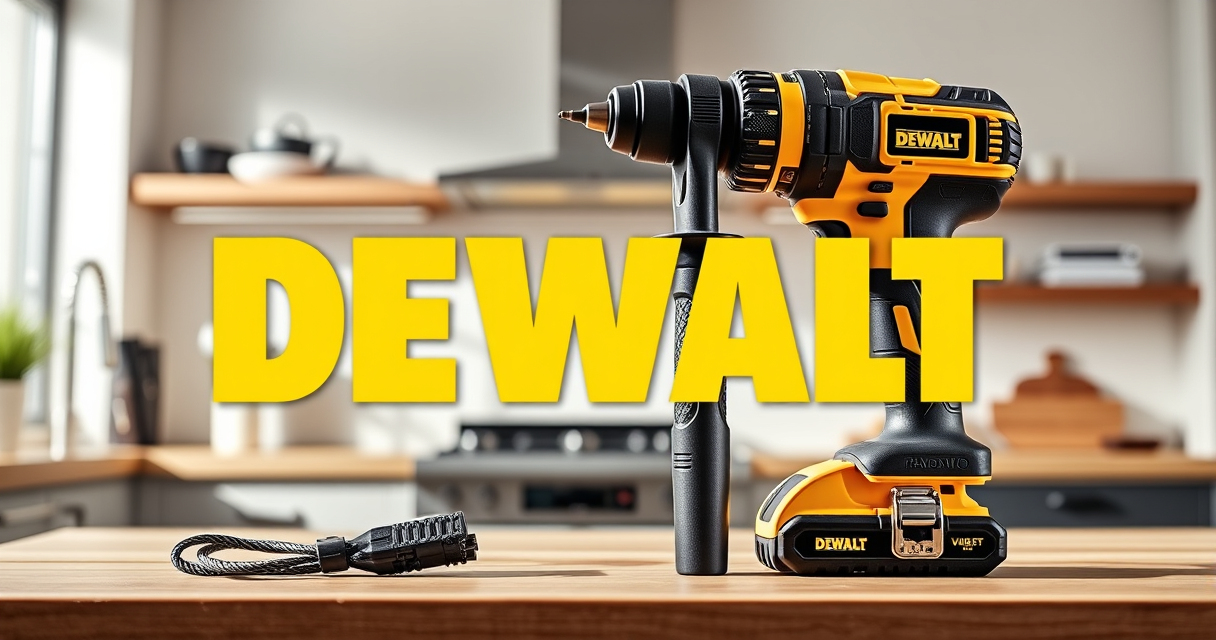

Owning a DEWALT 20V MAX Cordless Drill Driver Set offers versatility and power for a wide range of projects. However, like any power tool, it can sometimes encounter issues or require routine care to stay in peak condition. This guide provides clear, practical steps to troubleshoot common problems, maintain your drill, and extend its lifespan, ensuring you get the most out of your investment.

Get garden gear delivered free with Prime
- Fast, free delivery on millions of items
- Prime Video, Amazon Music and more included
- Member-only deals all year
Whether you’re experiencing reduced battery life, motor issues, or simply want to keep your drill in top shape, these tips will help you diagnose and resolve issues safely and effectively.
Key Takeaways
| Battery performance | Ensure batteries are charged and clean for optimal run time. |
| Motor issues | Check for overheating or unusual noises, and clean vents regularly. |
| Chuck and bits | Keep the chuck clean and lubricated for smooth operation. |
| LED light | Replace or clean the LED if it’s not working properly. |
| Routine maintenance | Regularly inspect and tighten screws, and store properly. |
Checking and Replacing Batteries
- Ensure the battery is properly seated in the drill. Remove and re-insert it to confirm connection.
- Check the LED indicator on the battery to gauge charge level. Recharge if necessary.
- If the battery isn’t holding a charge or the drill isn’t running, try a different compatible battery.
- Clean battery contacts with a dry cloth to remove dirt or corrosion.
- Store batteries in a cool, dry place and avoid extreme temperatures to prolong lifespan.
Troubleshooting Motor and Power Issues
- When the drill stops suddenly, check for overheating. Allow it to cool down before reusing.
- Inspect the motor vents for dust or debris; clean gently with a brush or compressed air.
- If the motor makes unusual noises, stop using the drill to prevent damage and have it checked by a professional.
- Test the drill with a different battery to rule out power issues.
- If problems persist, consider having the motor or internal wiring inspected by a qualified technician.
Maintaining the Chuck and Bit Compatibility
- Remove the chuck and inspect for debris or rust. Clean with a dry cloth or lubricate lightly with a suitable lubricant.
- Check the chuck for proper tightening to prevent bits from slipping.
- Use the correct size and type of bits compatible with your DEWALT drill (e.g., 3-flat shank bits for secure fit).
- Lubricate the chuck periodically to ensure smooth operation.
- Replace worn or damaged chucks promptly to maintain efficiency.
Maintaining the LED Light and Other Features
- If the LED light isn’t functioning, check for dirt or obstructions around the lens and clean gently.
- Replace the LED if it’s burnt out or damaged, following manufacturer instructions or professional service.
- Ensure the trigger mechanism is free of dust and debris for proper operation.
- Regularly inspect the drill’s exterior for cracks or damage and clean with a damp cloth.
- Store the drill in a dry place, away from moisture that can damage internal electronics.
Routine Maintenance and Safe Storage Tips
- Keep your drill clean and free from dust, especially around vents and moving parts.
- Regularly tighten screws and check for loose parts to avoid malfunctions.
- Lubricate moving parts as recommended in the user manual.
- Store the drill in a cool, dry, and secure location, preferably in its case.
- Remove the battery if storing for an extended period to prevent discharge and corrosion.
The Products in This Guide

DEWALT 20V MAX Cordless Drill Driver Set
- ✔ Transmission: 2-speed
- ✔ Chuck Type: Single-sleeve ratcheting
- ✔ Weight: Lightweight

DEWALT Drill Bit Set
- ✔ Tip: Split Point
- ✔ Shank: 3-Flats
- ✔ Coating: Black & Gold
DEWALT 20V MAX Cordless Drill Driver Set
The DEWALT 20V MAX Cordless Drill Driver Set combines a brushless motor with a lightweight, ergonomic design, making it perfect for both tough jobs and tight spaces. Regular maintenance and troubleshooting can keep it performing like new for years.
Pros:
- Brushless motor for longer run time
- Compact and lightweight design
- LED work light for visibility
- Includes 2.0 Ah battery and charger
Cons:
- Battery life may decline after extensive use
- Chuck may loosen over time if not maintained
- LED light could fail in some units
Best for: DIY enthusiasts and professionals needing a reliable, versatile drill for various tasks.
Not ideal for: Heavy-duty industrial use or prolonged high-torque applications.
Bottom line: A versatile and durable cordless drill perfect for most general-purpose tasks.
DEWALT Drill Bit Set
Complement your DEWALT drill with this 14-piece drill bit set featuring 135-degree split point tips. Ideal for plastic, wood, and metal, these bits deliver clean, accurate holes and resist breakage.
Pros:
- Durable High Speed Steel construction
- Resists rust with black and gold coating
- Quick size identification
- Tapered web design for durability
Cons:
- Set limited to 14 pieces
- Requires proper storage to prevent loss
- Not suitable for heavy-duty industrial drilling
Best for: Home repairs, woodworking, metalworking, and hobby projects.
Not ideal for: Heavy industrial use or high-torque drilling.
Bottom line: A reliable set of drill bits that enhances your DIY and professional projects.
Frequently Asked Questions
How often should I replace the batteries in my DEWALT drill?
Replace the batteries when they no longer hold a proper charge or show signs of damage or corrosion. Regularly inspect and store batteries properly for longevity.
What should I do if my drill’s motor overheats?
Allow the drill to cool down before reuse. Check for dust or debris in vents and clean gently. Avoid continuous operation beyond recommended usage to prevent overheating.
How do I maintain the chuck and bits?
Clean the chuck regularly and lubricate it lightly. Use bits compatible with your drill and replace worn bits or damaged chucks promptly.
My LED light isn’t working. What should I do?
Check for dirt or obstructions around the lens. If damaged, replace the LED following the manual or seek professional repair.
Can I use other batteries with my DEWALT drill?
Only use batteries designed for your model (e.g., 20V MAX) to ensure compatibility and safety. Using incompatible batteries can damage your tool or pose safety risks.
Keeping Your DEWALT Drill in Top Shape
Consistent maintenance and troubleshooting are key to ensuring your DEWALT 20V MAX Cordless Drill Driver Set performs reliably over the years. By following these steps, inspecting batteries, cleaning components, and storing your drill properly, you can prevent common issues and extend its lifespan. Remember, safety first—always disconnect the battery before performing any maintenance or repairs.
With proper care, your DEWALT drill will remain a dependable tool ready for any project, big or small.
Affiliate disclosure: As an Amazon Associate we earn from qualifying purchases. Prices and availability are accurate as of the time of publishing.
Fall yard work Picks

Greenworks 48V Brushless 3-in-1 Leaf Blower, Vacuum, and Mulcher with Two 4.0Ah Batteries
As an affiliate, we earn on qualifying purchases.