To extend your cordless fan’s life during the off-season, fully charge and then store the battery at around 50% in a cool, dry place away from direct sunlight. Remove the battery if possible and keep it in a separate container. Clean the fan thoroughly before storage, and check it periodically for any issues. Proper maintenance helps prevent damage and preserves performance—keep exploring to learn more tips to keep your fan working like new.
Key Takeaways
- Fully charge the battery before storing and keep it around 50% to prevent capacity loss.
- Store the fan in a cool, dry, dust-free environment away from extreme temperatures.
- Remove the battery for long-term storage and keep it separately in a temperature-controlled space.
- Clean the fan blades and housing before storage to prevent dirt buildup and operational issues.
- Regularly check battery health and recharge to maintain optimal performance for future use.
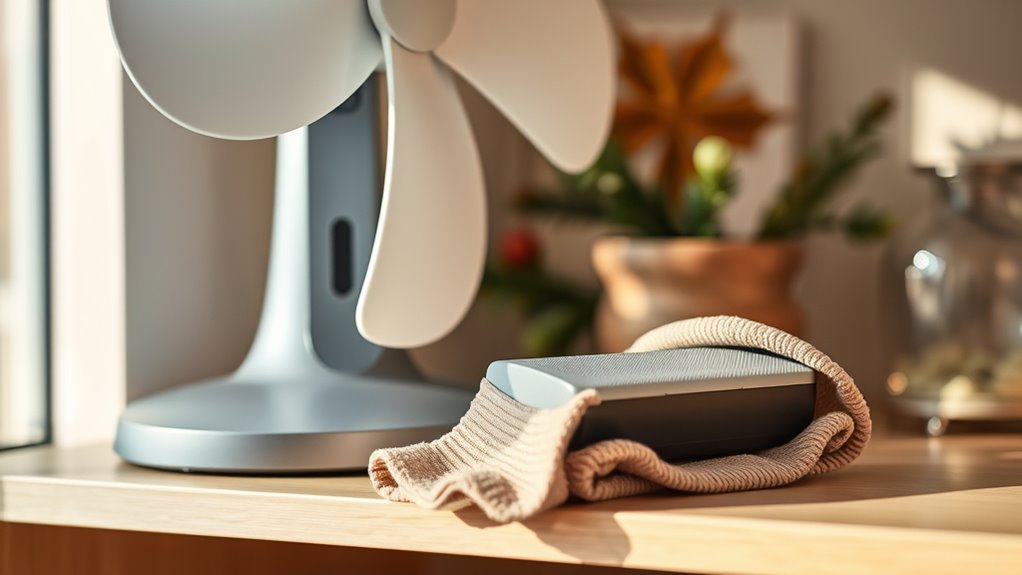
Cordless fans offer convenient cooling without the hassle of cords, but their longevity depends on proper care. If you want your fan to work efficiently year after year, paying close attention to battery preservation is vital. The battery is often the most vulnerable component, especially during periods of inactivity. To preserve the battery, make sure to fully charge it before storing your fan for the off-season. Avoid leaving the battery completely drained or fully charged for extended periods, as either condition can degrade its capacity over time. It’s best to charge the battery to around 50% before storage, as this level helps maintain its health. When you’re ready to use the fan again, recharge it fully, but don’t overdo it—unplug it once it’s fully charged to prevent overcharging, which can harm the battery’s lifespan. Additionally, checking the battery health periodically ensures you catch potential issues early and maintain optimal performance. Incorporating battery maintenance practices can further extend the overall lifespan of your cordless fan. Storage best practices play a vital role in extending your cordless fan’s life. When the fan isn’t in use, store it in a cool, dry place away from direct sunlight and extreme temperatures. Excessive heat can accelerate battery degradation, while cold conditions might temporarily reduce battery performance. Keep the fan in a dust-free environment to prevent dirt from accumulating in vents or moving parts, which can impair operation over time. If your fan has removable batteries, consider taking them out during long storage periods. Store the batteries separately in a plastic container or battery case, ideally at room temperature, to prevent accidental discharge or damage. Also, ensure the fan itself is clean before storing—wipe down the blades and housing to remove dust or debris that could cause problems later. Proper storage and maintenance will help ensure your cordless fan remains a reliable cooling option for many seasons to come.
Frequently Asked Questions
Can I Use My Cordless Fan While It’s Charging?
Yes, you can use your cordless fan while it’s charging, but it’s better to avoid doing so frequently. Using it during charging can impact battery longevity and may pose charging safety risks. To keep your fan in good shape, charge it fully before use and avoid overcharging. This way, you protect both the battery’s health and ensure safe charging practices, prolonging your fan’s overall lifespan.
What’s the Ideal Storage Temperature for My Fan?
Your cordless fan’s storage conditions are like a delicate dance, requiring precise steps. Keep it in a cool, dry place within temperature guidelines of 50°F to 77°F (10°C to 25°C). Avoid extreme heat or cold, as these can degrade the battery and internal components. Proper storage guarantees your fan stays ready to cool when you need it, extending its lifespan and maintaining ideal performance.
How Often Should I Replace the Batteries?
You should replace the batteries in your cordless fan every 1 to 2 years, depending on usage and battery lifespan. Keep an eye on signs like reduced performance or longer charging times, which indicate it’s time for a replacement. Regularly check the batteries’ condition, especially if you notice the fan isn’t as powerful. Replacing batteries on time guarantees your fan runs efficiently and extends its overall lifespan.
Are There Compatible Replacement Batteries Available?
Yes, compatible replacement batteries are available for your cordless fan. When shopping for replacement options, focus on battery compatibility to guarantee a proper fit and maximum performance. Check your fan’s model number and specifications, then look for batteries designed specifically for that brand or model. Many online stores and electronics retailers offer these batteries, making it easy to find reliable replacements that extend your fan’s lifespan and maintain its efficiency.
Does Using the Fan on Different Settings Affect Its Lifespan?
Using your fan on different settings can impact its lifespan, especially if you frequently switch between high and low fan speed. Higher fan speed increases energy consumption and can put extra stress on the motor, potentially leading to faster wear. To extend your fan’s life, use moderate settings when possible and avoid constantly changing speeds. This way, you reduce strain on the motor, helping your fan last longer and operate efficiently.
Conclusion
By regularly cleaning your fan, checking the battery, and storing it properly, you prolong its lifespan and guarantee peak performance. Embrace routine maintenance, stay attentive to signs of wear, and practice proper storage to keep your cordless fan running smoothly year after year. Consistency in care, awareness of needs, and proactive steps create a cycle of preservation that safeguards your investment and keeps your space cool and comfortable. Keep these habits up, and your fan will serve you well for seasons to come.