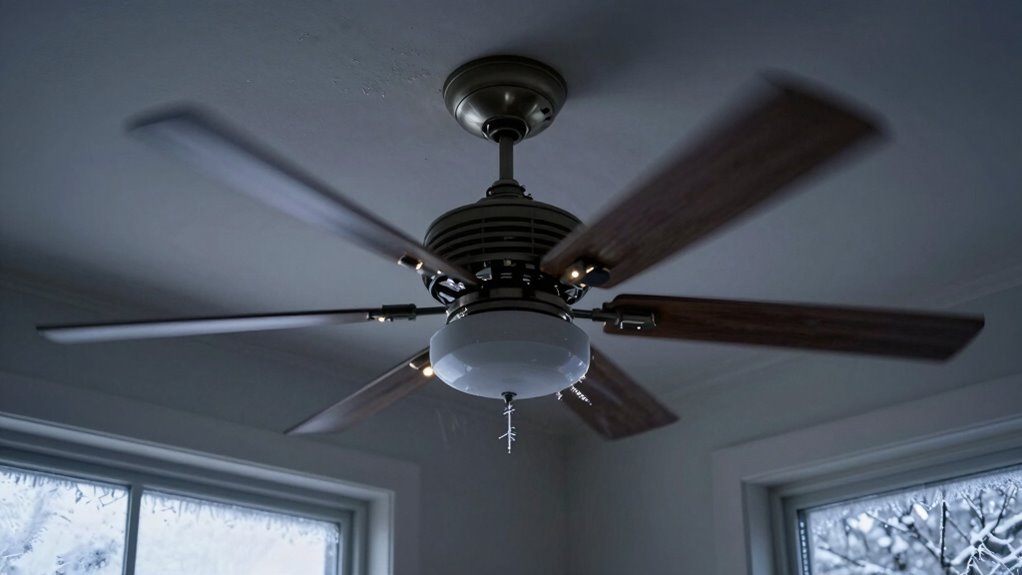
In cold weather, flickering fan lights often happen because wires loosen or connections weaken due to contracting materials. Check that wiring at the motor, switch, and power supply is secure and free of corrosion or frayed wires. You might also need to reset or reprogram your remote, as signals can get disrupted. If you keep experiencing flickering, inspecting internal controls or tightening connections could solve the issue. Continue exploring to uncover more solutions for stable lighting.
Key Takeaways
- Inspect wiring connections for looseness, corrosion, or damage caused by electrical contraction in cold weather.
- Check remote batteries and signals to ensure proper communication with the fan control system.
- Adjust fan speed settings to see if flickering stabilizes, indicating internal control issues.
- Tighten or replace faulty switches, wiring, or internal components affected by temperature-induced contraction.
- Perform electrical tests with a multimeter to identify poor contacts or voltage fluctuations contributing to flickering.
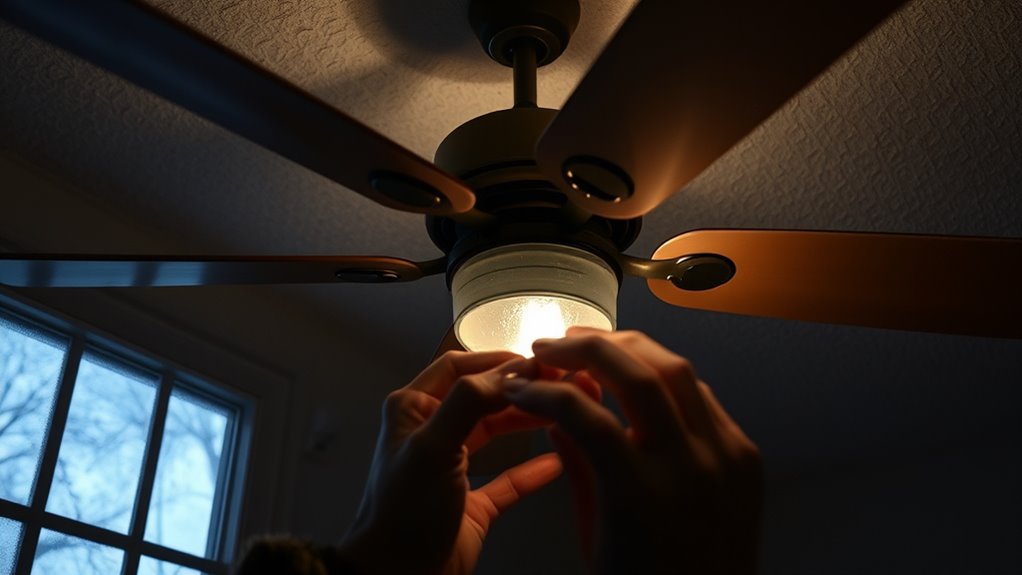
Flickering fan lights can be more than just a minor annoyance—they might indicate an underlying electrical issue or faulty components. When your fan’s lights flicker, it’s easy to assume it’s just a loose bulb or a simple wiring problem, but sometimes the cause is more complex. One common culprit is remote control issues. If your fan is operated remotely, interference or a malfunctioning remote can send inconsistent signals, causing the fan’s light and speed to flicker unpredictably. Make sure your remote’s batteries are fresh and that there are no obstructions between the remote and the receiver. Sometimes, simply resetting the remote or reprogramming it can resolve flickering caused by signal interference.
Another factor to think about is the fan’s speed settings. Many fans have adjustable speed options, and if these settings are unstable or if the fan’s internal controls are faulty, flickering can occur. When you change the fan speed, especially to higher or lower settings during cold weather, the internal motor or switch mechanisms might struggle to maintain a steady connection. Check if adjusting the fan speed stabilizes the light. If it does, the problem may be with the switch or the wiring associated with the speed control. In some cases, the fan’s internal speed control module might be worn out or damaged, especially if the flickering worsens when changing speeds.
Cold weather can also contribute to flickering because of temperature-related issues. When temperatures drop, the electrical components inside your fan can contract, leading to loose connections or poor contact points. This contraction might cause intermittent flickering, particularly if the wiring connections are already loose or corroded. Inspect the wiring connections at the fan’s motor, switch, and power supply. Look for any signs of corrosion, frayed wires, or loose connectors. Tightening these connections can often eliminate flickering caused by temperature-induced contraction. Additionally, temperature fluctuations can affect the electrical performance of your fan’s components, making regular inspections even more important in colder months. It’s also helpful to understand that electrical connections can weaken over time, especially with exposure to fluctuating temperatures, which can lead to inconsistent electrical contact and flickering. Incorporating connection testing with a multimeter can help identify hidden issues that contribute to flickering.
Frequently Asked Questions
Can Changing the Fan’s Speed Settings Prevent Flickering?
Yes, changing the fan’s speed settings can help prevent flickering caused by electrical wiring issues. When you adjust the fan speed, it can reduce the strain on the wiring and connections, minimizing flickering. However, if flickering persists, it’s crucial to check the electrical wiring for loose or damaged connections. Proper maintenance and adjusting the fan speed may improve performance and reduce flickering in cold weather conditions.
Are There Specific Light Bulbs Better Suited for Cold Weather?
In cold weather, you should opt for energy-efficient bulbs with heat-resistant lighting features. These bulbs are designed to withstand low temperatures without flickering like standard bulbs. Imagine a warm glow radiating steadily despite the chilly air, keeping your fan lights consistent. By choosing the right bulbs, you prevent flickering and enjoy reliable illumination, ensuring your fan operates smoothly and your space stays cozy even on the coldest days.
How Does Humidity Affect Flickering Fan Lights?
Humidity impact can cause flickering fan lights by introducing moisture effects that interfere with electrical connections. When humidity levels are high, moisture can accumulate on wiring or within the switch, leading to inconsistent power flow and flickering. To prevent this, guarantee your fan is properly sealed and avoid installing in overly humid areas. Using dehumidifiers or improving ventilation can reduce moisture effects, helping your fan light stay steady.
Is It Safe to Continue Using a Flickering Fan in Cold Weather?
Yes, it’s safe to keep using your fan if it flickers in cold weather, but prioritize electrical safety and fan maintenance. Make certain your fan is properly installed, and check for any loose wiring or damaged components. Turn off the fan if flickering worsens or if you notice burning smells or sparks. Regularly inspect and maintain your fan to prevent electrical issues, especially during cold temperatures when flickering may increase.
Do LED Lights Flicker More Than Incandescent in Cold Conditions?
Cold conditions can cause LED flicker more than incandescent stability. You notice LED lights flickering more in cold weather because their delicate diodes are sensitive to temperature changes, leading to flickering, while incandescent bulbs maintain consistent glow. You should check connections and consider upgrading to higher-quality LEDs. Remember, LEDs tend to flicker more under cold conditions, so understanding this helps you make safer, smarter lighting choices in chilly climates.
Conclusion
Now that you know how to troubleshoot flickering fan lights in cold weather, you’re practically a lighting superhero ready to save your home from darkness. Remember, a small issue like flickering can sometimes hide a bigger problem, so don’t ignore it. Stay proactive, and keep your fan lights shining bright—because a flickering light is just a tiny storm before the calm. With these tips, you’re unstoppable in maintaining a cozy, well-lit space.