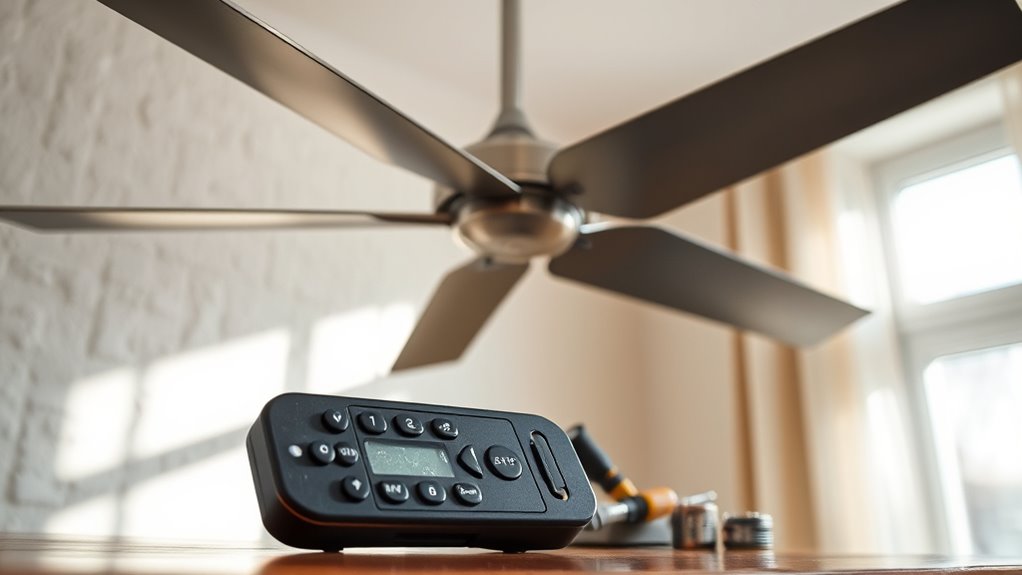
If your fan remote stops working, start by checking the batteries and replacing them with fresh ones if needed. Clean the remote sensor with a soft cloth or rubbing alcohol to remove dirt or dust that might interfere with signals. Confirm the remote is within range and aimed directly at the receiver. Remove any obstructions and test the remote again. If these steps don’t work, you may need to inspect or repair the sensor, so keep exploring for more solutions.

Get garden gear delivered free with Prime
- Fast, free delivery on millions of items
- Prime Video, Amazon Music and more included
- Member-only deals all year
Key Takeaways
- Check and replace the remote’s batteries with fresh, correctly installed ones.
- Clean the remote sensor with a soft cloth or rubbing alcohol to remove dirt or smudges.
- Ensure there are no obstructions and that the remote is aimed directly at the sensor.
- Test the remote’s functionality by using it closer to the fan or with another device.
- If issues persist, inspect the sensor for damage or misalignment, and consider professional repair if needed.
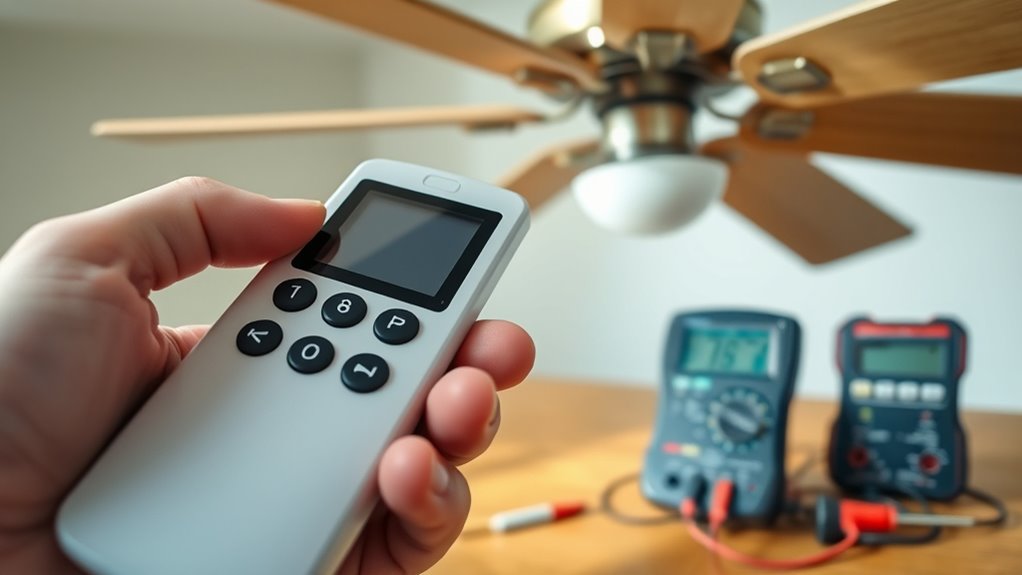
Ever wonder why your fan remote suddenly stops working? It can be frustrating, especially when you’re trying to stay comfortable. The most common reason for remote issues is a problem with the remote sensor or the batteries. Before blaming the remote entirely, it’s worth checking these simple but vital factors.
First, consider the remote sensor on your fan. This tiny device receives signals from your remote control. If the sensor is dirty or obstructed, it won’t pick up the signals properly. Dust, dirt, or even a smudge can interfere with the infrared light that transmits commands. To fix this, gently clean the sensor with a soft cloth or a cotton swab dipped in a little rubbing alcohol. Make sure the sensor is unobstructed—no objects blocking the line of sight between the remote and the sensor. Sometimes, the sensor might be misaligned or damaged, which can prevent it from recognizing signals. If cleaning doesn’t help, check for any visible damage or misalignment, and consider consulting a professional if needed.
Check and clean your fan’s remote sensor to ensure it’s unobstructed and free of dirt or smudges for proper signal reception.
Another common culprit is the remote’s batteries. Over time, batteries lose their charge, especially if they’re old or of poor quality. You might not realize your batteries are dead until the remote stops working altogether. Replacing the batteries is quick and usually resolves the problem. Use fresh batteries that match the remote’s specifications—usually AA or AAA—and ensure they’re installed correctly, with the positive and negative ends aligned properly. After replacing the batteries, give the remote a few seconds to sync with the fan. If the remote still doesn’t respond, try removing the batteries again, wait a moment, and then insert them once more. Sometimes, a fresh set of batteries can restore functionality immediately. Additionally, testing the remote with another device can help determine if it’s functioning properly.
If replacing the batteries and cleaning the remote sensor doesn’t solve the issue, check the remote’s signal range. Sometimes, the remote might be too far from the fan or at an awkward angle. Stand closer and aim directly at the remote sensor to see if the fan responds. Also, verify that there are no electronic devices or bright lights nearby that could interfere with the infrared signals.
In most cases, the fix is straightforward: replace the batteries and clean or check the remote sensor. If these steps don’t work, the remote might need repairing or replacing altogether. But in many instances, these simple adjustments restore your remote’s functionality, helping you regain control over your fan with minimal hassle.
Products Worth Considering

Husqvarna 330LK Gas String Trimmer

Greenworks 48V Cordless Lawn Care Combo Kit with 20-Inch Mower, Trimmer, Blower, Batteries, and Charger

Greenworks 48V (2 × 24V) 20-Inch Brushless Cordless Push Lawn Mower with Two 4.0Ah Batteries and Dual-Port Charger
As an affiliate, we earn on qualifying purchases.
Frequently Asked Questions
Can I Use My Smartphone as a Remote Alternative?
You can definitely use your smartphone as a remote alternative. Many fans now support smartphone controls through remote apps, allowing you to control settings directly from your device. Just download the compatible app, connect your phone to the fan via Wi-Fi or Bluetooth, and you’ll manage the fan easily. This makes it a convenient solution if your remote stops working, ensuring you stay comfortable without hassle.
How Do I Replace the Remote’s Batteries Properly?
To replace your remote’s batteries properly, start by opening the battery compartment carefully. Remove the old batteries and check their orientation—usually marked with plus (+) and minus (-) signs. Insert new batteries, ensuring proper installation by aligning the positive and negative ends correctly. Close the compartment securely. Proper battery replacement prevents leaks and ensures your remote functions smoothly, saving you time and frustration.
Is There a Universal Remote Compatible With All Fans?
You wonder if a universal remote offers compatibility with all fans. While many universal remotes provide broad compatibility, not all work with every fan model. You’ll need to check for universal compatibility and whether remote programming is straightforward. Some remotes require specific codes or setup steps, so read the instructions carefully. If your fan isn’t compatible, consider replacing the remote with one designed for your fan brand for easier remote programming.
What Should I Do if the Remote Is Physically Damaged?
Your remote is probably more important than your phone, so don’t panic if it’s physically damaged. First, examine the extent of the damage—cracks, broken buttons, or exposed wires. For minor issues, try remote repair techniques like cleaning contacts or replacing batteries. If the damage is severe, consider getting a new remote or contacting the manufacturer. Remember, handling physical damage promptly keeps your fan functioning smoothly!
How Do I Reset the Remote to Factory Settings?
To reset your remote to factory settings, start by removing the batteries and pressing any button for about 10 seconds to drain residual power. Reinsert the batteries, then perform a remote pairing process as per your fan’s instructions. Confirm there’s no signal interference from other devices, which can disrupt the reset. If issues persist, consult your user manual for specific reset steps or contact customer support.
Conclusion
Don’t let a dead remote spoil your comfort. Sometimes, it’s just a simple battery change or a quick reset that does the trick. If you’re worried about tech headaches, remember most issues are easy to fix and don’t require a professional. Keep a spare battery handy, and you’ll be back to controlling your fan in no time. With a little patience, you’ll stay cool and hassle-free, even when your remote acts up.