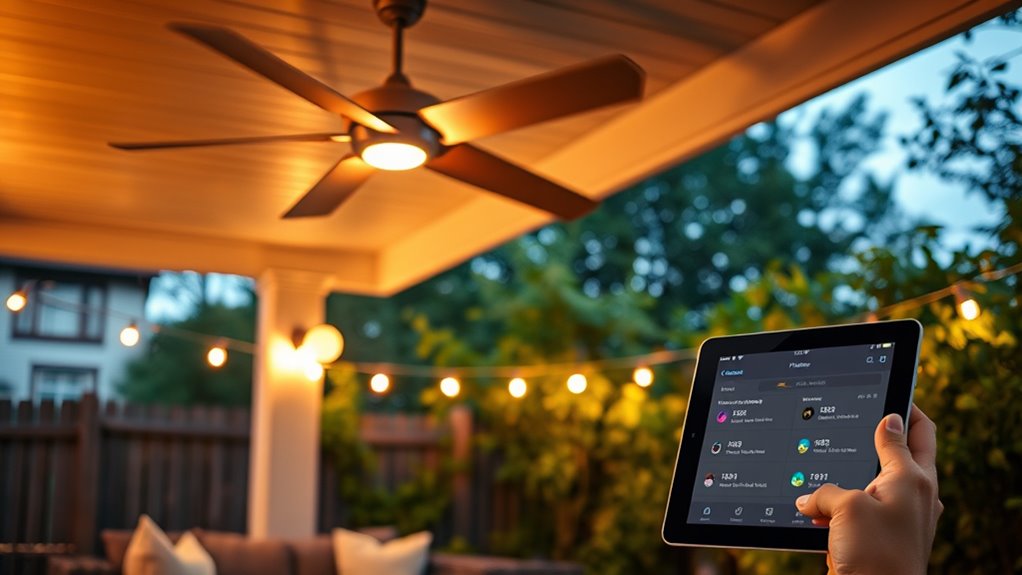

To sync outdoor fans with your smart home routines, first make certain they are compatible with your smart hub like Alexa, Google Assistant, or Apple HomeKit. Connect the fans using the manufacturer’s app and integrate them into your smart home system. Once connected, create routines that automate fan operation based on schedules, weather, or occupancy. This way, you can control your fans effortlessly and optimize energy use. Keep exploring for more tips on making it all work seamlessly.
Key Takeaways
- Ensure outdoor fans are compatible with your smart home hub (Alexa, Google Assistant, Apple HomeKit).
- Connect fans to the smart home app following manufacturer instructions for seamless integration.
- Create routines or automation rules to control fans based on time, weather, or occupancy sensors.
- Use weather data to adjust fan operation dynamically, avoiding unnecessary use during rain or high winds.
- Regularly update firmware and check connections to maintain reliable syncing with your smart home system.

Syncing outdoor fans with your smart home routines can enhance comfort and energy efficiency effortlessly. When you integrate outdoor fans into your smart system, you gain better control over airflow, reduce unnecessary energy consumption, and create a more comfortable outdoor environment. To get started, choose outdoor fans that are compatible with your existing smart home hub or system, such as Alexa, Google Assistant, or Apple HomeKit. Compatibility is key to seamless integration, so double-check the specifications before purchasing. Once installed, connect your fans to your smart home app, following the manufacturer’s instructions carefully. This initial setup allows you to automate operations, like turning the fans on or off based on time schedules, weather conditions, or occupancy sensors.
Sync outdoor fans with your smart system for effortless comfort and energy savings.
To maximize energy efficiency, consider setting your outdoor fans to operate only when needed. For instance, you can program them to activate during warmer parts of the day or when someone is outside. Using smart routines, you can have the fans automatically turn off when the temperature drops or when no motion is detected for a specific period. This prevents unnecessary running time, saving you money on energy bills. Additionally, integrating weather data into your routines can optimize fan operation — for example, turning off fans when it rains or when the wind picks up, which could otherwise increase energy use without providing comfort. Incorporating automated control systems can further streamline this process by adjusting settings dynamically based on real-time data.
Maintaining your outdoor fans is equally important to ensure they function efficiently and last longer. Regular maintenance tips include cleaning the blades to remove dust and debris that can cause imbalance or reduce airflow. Check for loose screws or mounting brackets periodically, especially after storms or heavy winds. Lubricate moving parts if recommended by the manufacturer, as this can reduce motor strain and improve efficiency. Also, inspect electrical connections for corrosion or wear, addressing issues promptly to prevent malfunctions. When your fans are properly maintained and integrated into your routines, they operate more smoothly, consuming less energy and providing consistent comfort.
Finally, take advantage of scheduling features in your smart home system to automate fan operation based on your lifestyle. For example, set your outdoor fans to turn on just before you arrive home or to run during specific times of the day when outdoor temperatures peak. By doing so, you ensure your outdoor space remains comfortable without wasting energy. Syncing outdoor fans with your smart routines not only makes your outdoor living more enjoyable but also promotes smarter energy use, helping you save money and reduce your environmental impact. Proper setup, routine automation, and regular maintenance together create an efficient, hassle-free outdoor cooling solution that complements your smart home ecosystem perfectly.
Frequently Asked Questions
Can Outdoor Fans Be Integrated With All Smart Home Systems?
You wonder if outdoor fans can be integrated with all smart home systems. While many smart home platforms support outdoor fan compatibility, not all outdoor fans are compatible with every system. To guarantee smooth integration, check if your outdoor fan is compatible with your preferred smart home platform. Compatibility varies, so researching specific models and platform support helps you create seamless routines and control your outdoor fans effortlessly.
What Safety Precautions Are Necessary When Syncing Outdoor Fans?
Did you know that improper outdoor fan installation causes over 30% of electrical accidents? To guarantee weather safety, always follow installation precautions, like securing fans properly and avoiding exposure to rain or moisture. When syncing outdoor fans with smart routines, double-check connections and use outdoor-rated equipment. This minimizes risks and keeps your setup safe, especially during storms or harsh weather. Prioritize safety to enjoy smart outdoor comfort without hazards.
How Do I Troubleshoot Connectivity Issues With Outdoor Fans?
If your outdoor fans have connectivity issues, start by checking for Wi-Fi interference from other devices or obstacles blocking signals. Confirm your Wi-Fi network is stable and within range. You should also verify if the fans need firmware updates, as these can resolve bugs and improve connectivity. Restart your router and the fans, then attempt to reconnect. Keeping firmware up-to-date and minimizing interference helps maintain a reliable connection for your outdoor fans.
Are There Energy-Saving Benefits to Syncing Outdoor Fans?
Coincidentally, syncing outdoor fans with your smart home routines boosts energy efficiency and enhances climate control. When you automate fan operation based on temperature or time, you prevent unnecessary energy use, reducing your utility bills. This synchronization ensures ideal airflow and comfort, making your outdoor space more eco-friendly. You’ll enjoy better climate management while saving energy, all with seamless automation that adapts to your lifestyle and outdoor environment.
Can Outdoor Fans Be Voice-Controlled Through Smart Assistants?
You can definitely voice-control outdoor fans through smart assistants, thanks to voice command integration and smart assistant compatibility. First, verify your outdoor fan is compatible with your chosen smart assistant, like Alexa or Google Assistant. Then, connect the fan to your smart home app, enabling voice commands. Once set up, you can easily turn the fan on or off, adjust speeds, or set schedules using simple voice commands, making outdoor comfort more convenient.
Conclusion
Now that you know how to sync your outdoor fans with your smart home routines, you can enjoy a more comfortable and effortless outdoor space. Imagine relaxing on your patio, knowing your fans automatically adjust to the perfect breeze as the sun sets. Don’t worry about complex setups—you’ll soon wonder how you ever lived without this seamless convenience. With a little setup, your outdoor area becomes an oasis that responds to your needs, effortlessly.