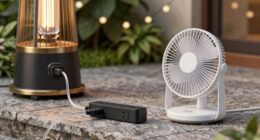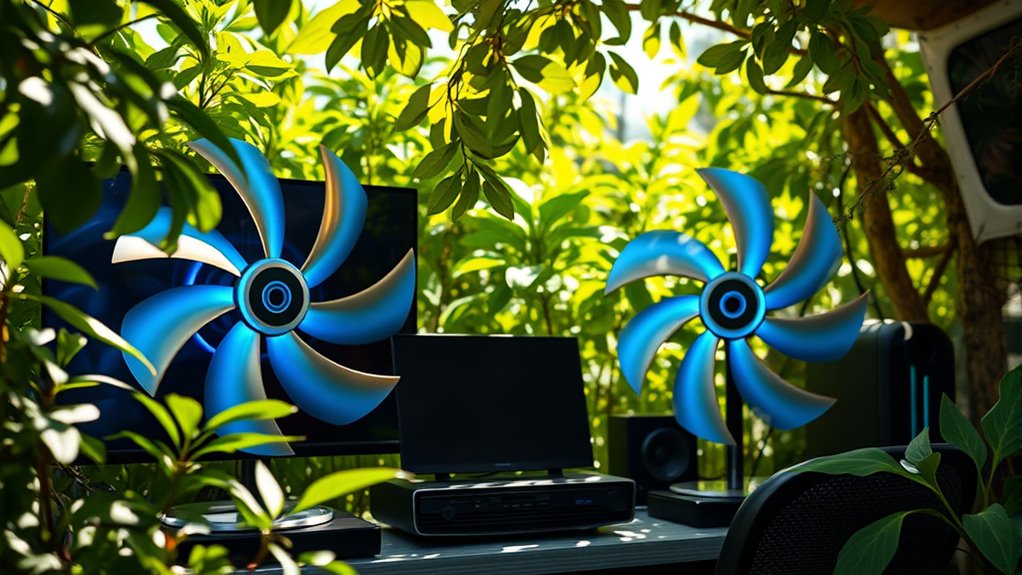

To keep outdoor gaming electronics cool, place fans strategically to promote airflow, such as behind devices to draw heat away and in front to pull in cooler air. Use weather-resistant fans and enclosures to protect against moisture. Combine fans with shading like umbrellas or awnings for extra cooling. Manage noise by choosing low-decibel models or adjusting speeds. Proper setup guarantees consistent airflow and prevents overheating—learn more about optimizing your outdoor gaming station for maximum comfort and safety.
Key Takeaways
- Use waterproof or water-resistant fans designed for outdoor environments to prevent moisture damage.
- Position fans to promote effective airflow, with exhaust fans behind devices and intake fans in front or sides.
- Incorporate shading devices like umbrellas or awnings to reduce ambient heat and improve cooling efficiency.
- Select fans with adjustable speeds and low noise levels for customizable, quiet operation during gaming sessions.
- Regularly maintain and inspect outdoor fans to ensure safety, functionality, and protection against environmental elements.
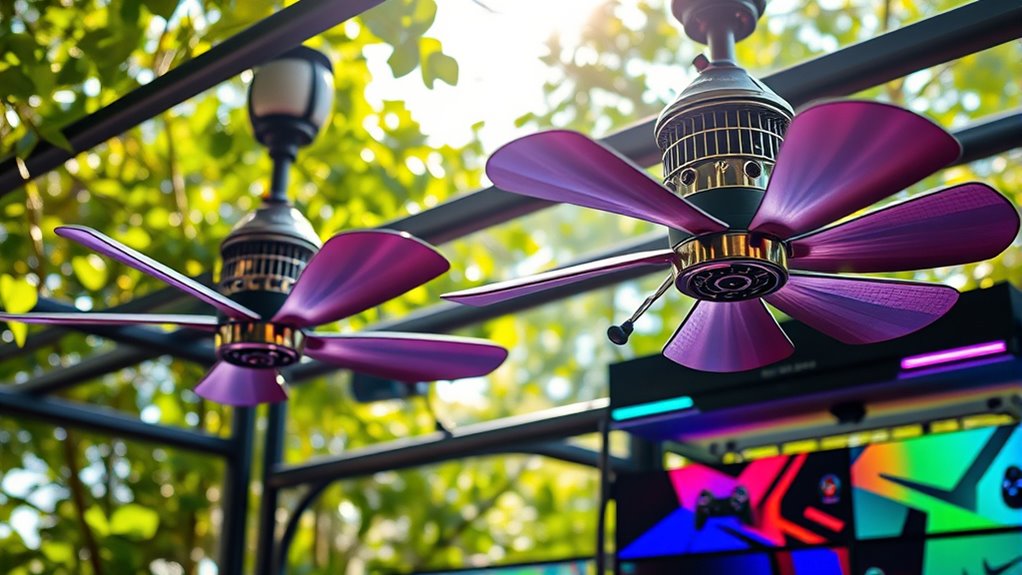
Have you ever wondered how to keep your outdoor gaming station cool during hot days? When you’re spending hours immersed in your favorite games, heat can build up quickly, risking damage to your electronics and making the experience uncomfortable. That’s where effective ventilation strategies come into play. By thoughtfully designing your setup to promote airflow, you help prevent overheating and guarantee your devices perform at their best. Using fans is a smart solution, but it’s vital to select and position them properly to maximize cooling without creating a noisy environment.
Effective outdoor gaming ventilation prevents overheating and ensures your devices perform optimally.
First, consider the placement of your fans. Positioning them to create a steady airflow across your gaming equipment can considerably reduce heat buildup. For instance, placing a fan behind your console or computer helps draw hot air away from the device. Combining this with a front or side fan that pulls cooler air in creates an efficient circulation loop. If your outdoor setup is exposed to direct sunlight, using fans in conjunction with shading options like umbrellas or awnings can further improve cooling effectiveness. Good ventilation isn’t just about blowing air; it’s about directing it where it’s needed most to prevent hotspots.
Noise considerations are also essential because you don’t want your gaming experience disrupted by loud fans. Luckily, many modern fans are designed with noise reduction in mind. Look for models that specify low decibel levels, especially if your outdoor setup is near relaxation or social areas. You can also opt for fans with adjustable speeds, allowing you to balance noise levels with cooling needs. Running the fans at a lower speed during casual gaming sessions can keep noise minimal while still providing adequate airflow. Additionally, placing fans on stable surfaces and using vibration dampening mounts can prevent rattling sounds that might interfere with your gameplay.
Another key aspect is guaranteeing your fans are weather-resistant, especially if you’re leaving your outdoor gaming station unattended for periods. Waterproof or water-resistant fans guard against moisture, which can cause electrical issues or corrosion. Combining these with proper enclosures or covers will prolong the life of your fans and maintain effective ventilation over time. Furthermore, understanding the trustworthiness of your fans and their safety features can help prevent potential malfunctions caused by environmental factors, ensuring your setup remains secure and reliable.
Frequently Asked Questions
What Types of Fans Are Best for Outdoor Gaming Stations?
You should choose outdoor fans designed to withstand weather conditions, like waterproof or rust-resistant models. Outdoor fans are better than indoor fans because they handle moisture and temperature fluctuations. Consider fan size; larger fans move more air and keep your gaming station cooler effectively. make sure the fan’s airflow matches your setup’s needs, providing enough circulation without creating excessive noise or energy use.
How Do Weather Conditions Affect Outdoor Fan Performance?
Weather conditions are like a wild card, directly impacting your outdoor fan performance. High humidity impacts cooling efficiency, making fans work harder, while wind resistance can push or pull air away, reducing airflow. Strong winds may even damage fans or cause instability. You should choose fans with weather-resistant features and consider placement to minimize these effects, ensuring your gaming station stays cool and protected regardless of the weather.
Can Fans Be Used to Protect Electronics From Dust and Debris?
Yes, fans can help safeguard your electronics from dust and debris by creating airflow that reduces buildup inside the devices. Use fans with dust prevention features or install filters to enhance debris protection. Regularly cleaning and maintaining the fans ensures ideal dust prevention, keeping your outdoor gaming station functioning smoothly. Remember, proper airflow not only cools your equipment but also minimizes dust accumulation and debris intrusion.
Are There Quiet Fan Options Suitable for Outdoor Gaming Environments?
Yes, you can find quiet fan options suitable for outdoor gaming environments. Look for fans with silent operation features, designed specifically to minimize noise, so your gaming experience remains uninterrupted. Choose energy-efficient models that provide effective cooling without consuming too much power. These fans typically have low-noise motors and optimized blade designs, making them ideal for outdoor setups where a peaceful atmosphere matters while keeping your electronics cool and functioning properly.
How Often Should Outdoor Fans Be Cleaned or Maintained?
You should clean your outdoor fans regularly, about every 1-3 months, to prevent dust buildup and guarantee peak performance. Fan maintenance might seem tedious, but neglecting it can cause overheating and reduce lifespan. Think of it like tuning a guitar—quick, consistent cleaning keeps everything sounding perfect. Dust, dirt, and debris are silent enemies, so stay vigilant with cleaning frequency to keep your outdoor gaming station cool and reliable.
Conclusion
So, when you set up your outdoor gaming station, don’t forget the fans. They keep your electronics cool and running smoothly, even on the hottest days. Imagine your gaming setup, sweat-free and performing perfectly, no matter the weather. Wouldn’t you want your gaming experience to stay cool and uninterrupted? Keep your gear breezy with the right fans, and enjoy endless outdoor gaming adventures without a hitch.