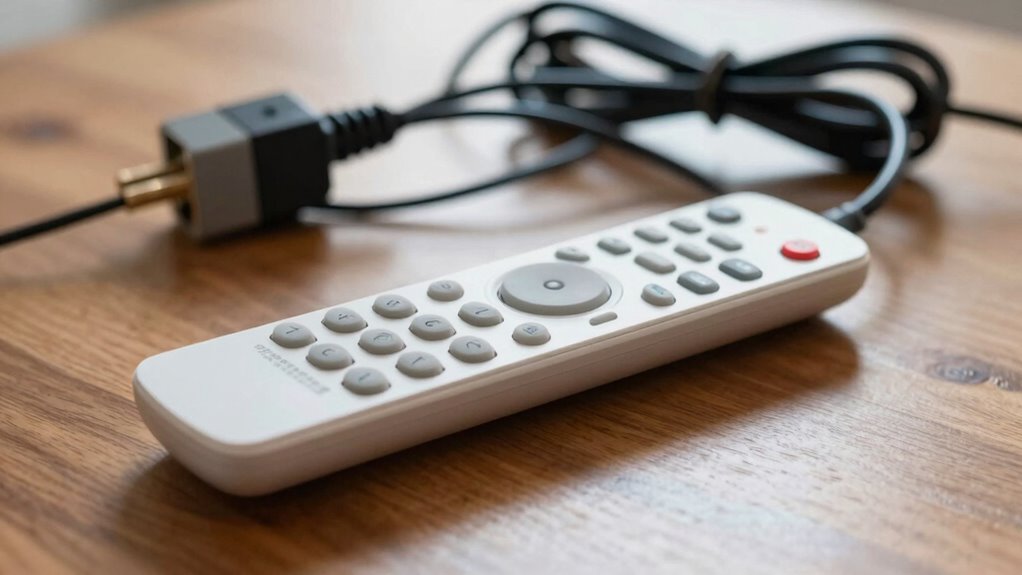

Your fan remote may seem broken due to issues like weak or dead batteries, signal interference from thick walls or other electronics, or dirt on the remote or receiver that blocks signals. Sometimes, physical controls on the fan override remote commands, or internal malfunctions prevent proper operation. Often, cleaning the sensors or replacing batteries fixes the problem. If you’re curious about more hidden causes, there’s plenty to uncover that can help restore your remote’s functionality.

Get garden gear delivered free with Prime
- Fast, free delivery on millions of items
- Prime Video, Amazon Music and more included
- Member-only deals all year
Key Takeaways
- Low or dead batteries in the remote can prevent proper signal transmission, making it seem broken.
- Signal interference from walls, metal objects, or other electronics can disrupt communication between remote and fan.
- Dirt or smudges on the remote’s infrared sensor or fan’s receiver can block signals, causing remote failure appearance.
- Physical controls or internal malfunctions in the fan may override remote commands, making the remote seem unresponsive.
- Testing the remote on other devices or replacing batteries can reveal the issue is elsewhere, not the remote itself.
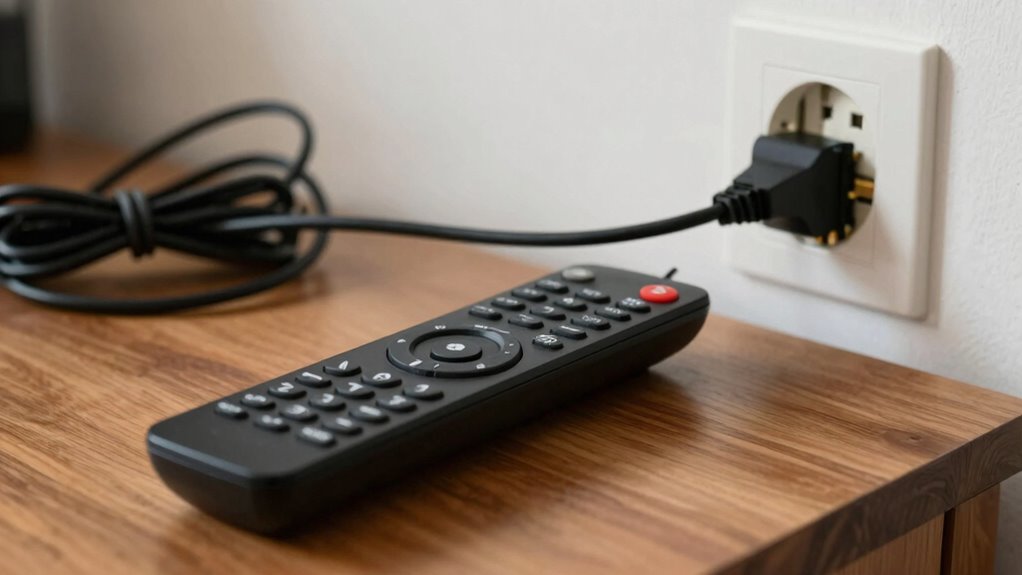
Have you ever pressed the remote’s power button only to find your fan unresponsive? It’s frustrating, especially when you’re sure you’re doing everything right. Often, the problem isn’t with the fan itself but with the remote or external factors affecting the signal. The first thing to check is the remote battery. If the battery is low or dead, your remote can’t send a proper signal to the fan. Replacing the remote battery with fresh, high-quality batteries usually solves the issue. It’s a quick fix that many overlook because they assume the remote is broken.
But even with a fresh remote battery, your fan might still not respond. That’s where signal interference comes into play. Wireless signals can be disrupted by various household items, like thick walls, metal objects, or other electronic devices. If your remote isn’t directly aimed at the fan or if something’s blocking the line of sight, the signal might not reach the fan properly. Sometimes, other remotes, Wi-Fi routers, or even cordless phones operating on similar frequencies can interfere with your remote’s signal, making it seem like the remote isn’t working when, in reality, the signal just isn’t reaching the fan.
Another common cause of remote issues is dirt or grime on the remote’s sensor or the fan’s receiver. Dust or smudges can block the infrared light or radio frequency, preventing proper communication. Cleaning both the remote’s infrared sensor and the fan’s receiver with a soft, dry cloth can often restore functionality. Additionally, signal transmission can be affected by environmental factors, so understanding how your remote communicates with the fan can help you troubleshoot more effectively. Keep in mind, some fans also have physical switches or controls on the unit itself. If those are turned off or malfunctioning, your remote won’t be able to control the fan, even if everything else is fine.
Sometimes, the problem lies within the remote itself. Over time, buttons can become stuck or unresponsive, or internal circuitry can fail. If replacing the remote battery and eliminating interference doesn’t work, try using a different remote if you have one, or test the remote on another compatible device. If it still doesn’t work, it’s likely time to replace the remote altogether. Additionally, understanding remote signal transmission can help you troubleshoot more effectively.
As an affiliate, we earn on qualifying purchases.
Frequently Asked Questions
Can a Dead Remote Battery Cause the Fan to Stop Working?
Yes, a dead remote battery can cause your fan to stop working. During remote troubleshooting, you might think the remote itself is broken, but a simple battery replacement often fixes the issue. Check the batteries first; if they’re dead or weak, replace them with fresh ones. This quick step guarantees your remote communicates properly with the fan, restoring its operation without unnecessary frustration or confusion.
How Do I Reset My Fan Remote Control?
Did you know that 60% of remote control issues stem from signal problems? To reset your fan remote, start by removing the batteries, then press and hold the power button for 10 seconds to drain residual charge. Reinsert the batteries and perform remote pairing if needed. For signal troubleshooting, make certain nothing blocks the remote’s line of sight and that the remote and fan are within range. This often resolves the issue.
Is It Possible for the Remote to Be Incompatible With the Fan?
Yes, compatibility issues can cause your remote to not work with the fan. If your remote isn’t compatible, it won’t pair properly during remote pairing, making it seem broken. Always check the model number and manufacturer’s instructions to guarantee compatibility. If the remote isn’t designed for your fan, try replacing it with one specifically made for your model. Proper remote pairing is essential for seamless communication between the remote and fan.
What Should I Do if the Remote Sensor Is Blocked?
If the remote sensor is blocked, don’t blame your remote just yet. Ironically, sensor blockage is a common culprit, often caused by dust or furniture. Clear the sensor’s line of sight to eliminate signal interference. Make sure nothing is obstructing the sensor, and point the remote directly at it. Once unobstructed, your remote should work perfectly, proving sometimes the simplest fix is right in front of you.
Can Wi-Fi Interference Affect Remote-Controlled Fans?
Yes, Wi-Fi interference can affect remote-controlled fans. Wireless signals from your Wi-Fi network can cause interference issues, disrupting the communication between your remote and the fan. When multiple devices operate on similar frequencies, it can weaken the signal, making your remote seem unresponsive. To fix this, try moving the fan or router away from each other, or change your Wi-Fi channel to reduce interference and restore proper control.
As an affiliate, we earn on qualifying purchases.
Conclusion
So, next time your fan remote isn’t working, remember it might not be the remote itself. Maybe the receiver or power source is to blame. For example, a friend once replaced her remote batteries only to find her fan still unresponsive. Turns out, the receiver inside the fan was faulty. Sometimes, the issue isn’t with the remote but other components. Always check the whole system before buying a new remote—you might save time and money.
As an affiliate, we earn on qualifying purchases.
universal fan remote replacement
As an affiliate, we earn on qualifying purchases.
As an affiliate, we earn on qualifying purchases.
Halloween Picks
halloween
As an affiliate, we earn on qualifying purchases.