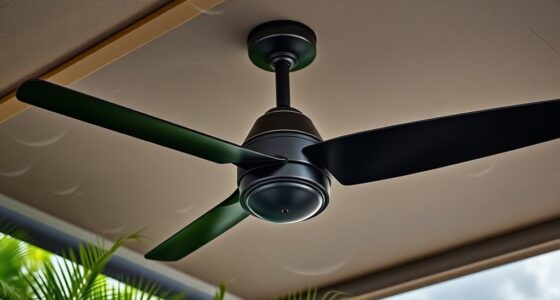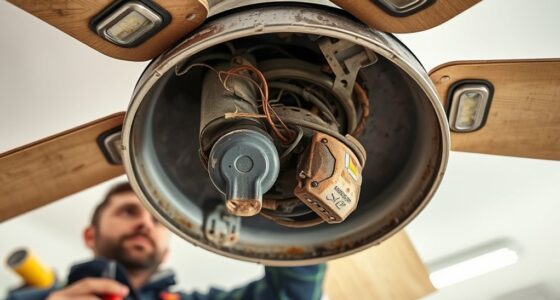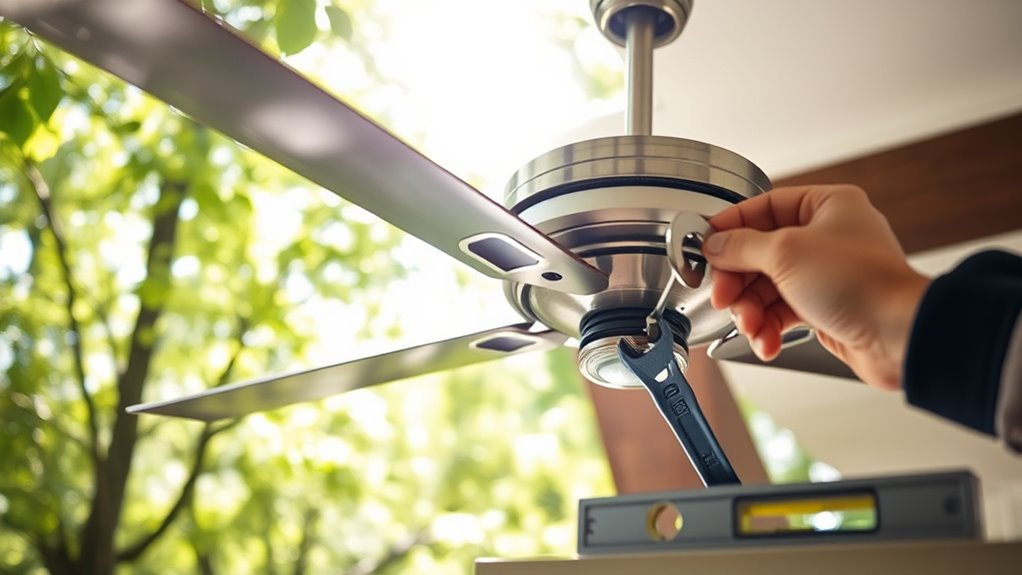

To fix a wobbling outdoor fan quickly, start by inspecting the blades for damage, dirt, or debris and clean or replace any bent or broken blades. Check that all screws and bolts are tight and secure, especially at the mounting bracket and blade attachments. Make sure the fan is properly aligned and balanced; tighten any loose fasteners and adjust or replace damaged parts. If you keep going, you’ll find detailed steps to restore your fan’s smooth, stable operation.
Key Takeaways
- Inspect and clean fan blades regularly to remove debris and check for damage or warping.
- Tighten loose bolts, screws, and mounting brackets to ensure mechanical stability.
- Verify motor alignment and balance blades to prevent wobbling during operation.
- Replace damaged or bent blades and use balancing weights if needed.
- Perform routine maintenance like lubrication and seasonal checks to maintain smooth, wobble-free operation.
Inspect the Fan Blades for Damage or Debris

Start by visually inspecting the fan blades for any signs of damage, such as cracks, bends, or chips. Damaged blades can cause wobbling and uneven operation. If you notice fan blade damage, replace or repair the blades before proceeding. Also, check for debris buildup on the blades, as dirt, leaves, or other debris can disrupt balance and cause wobbling. Remove any debris carefully, ensuring the blades are clean and free of obstructions. Regular debris removal helps keep the fan running smoothly and prevents unnecessary strain on the motor. Additionally, performing routine maintenance checks on the blades can extend the lifespan of your outdoor fan. Take your time to examine each blade thoroughly, as even minor damage or debris can impact performance. Keeping the blades in good condition is essential for safe, efficient outdoor fan operation.
Check for Loose or Unbalanced Blades
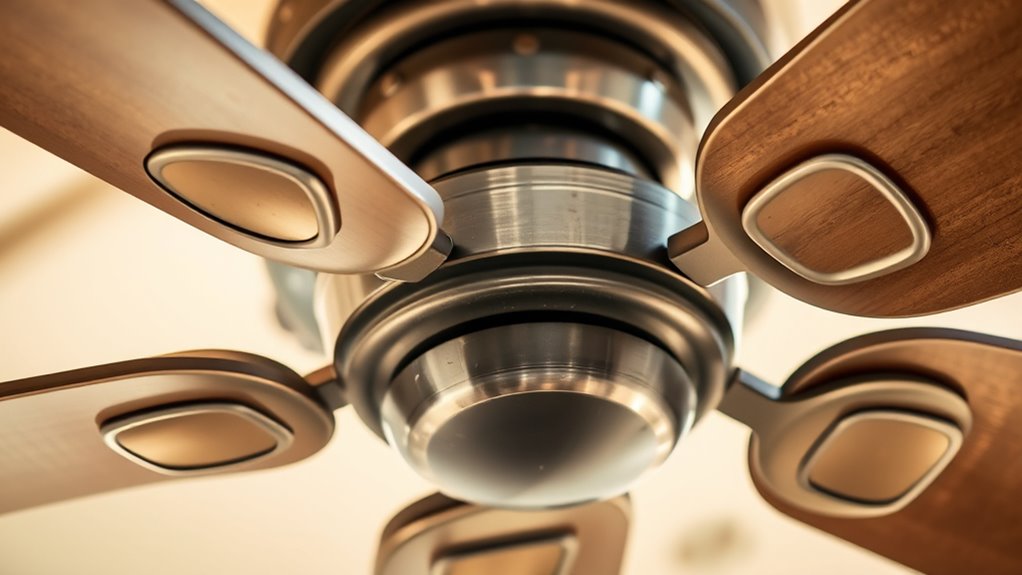
Have you noticed the fan wobbling or making unusual noises during operation? Loose or unbalanced blades are common causes. First, check each blade to ensure they’re securely attached. If a blade feels loose, tighten the mounting screws carefully. Next, examine the blades for signs of damage or warping, which can throw off blade balancing. An unbalanced blade can cause uneven spinning and wobbling. If a blade is bent or damaged beyond repair, it’s best to replace it. For minor imbalances, you can add small weights or adjust blade positions to improve blade balancing. Properly balanced blades ensure smooth operation and reduce wobbling, keeping your outdoor fan running efficiently and quietly. Additionally, understanding airless paint sprayers can help you maintain and troubleshoot your painting tools effectively. Remember, addressing loose or unbalanced blades is a quick step toward fixing your fan’s wobble.
Verify the Mounting Bracket and Frame Stability
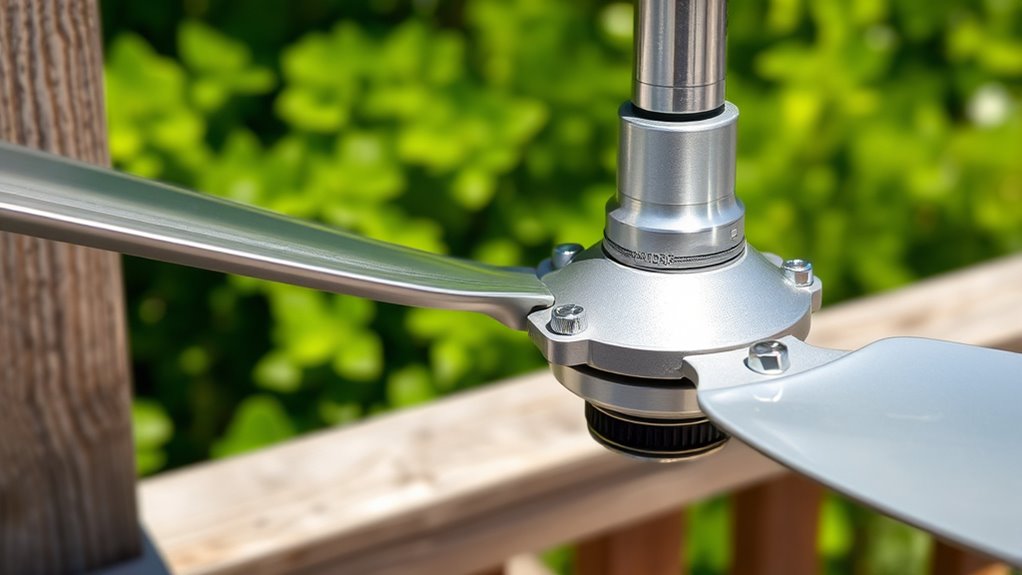
Start by checking that the mounting bracket is securely tightened to prevent wobbling. Next, inspect the frame for proper alignment and look for any signs of bending or damage. Finally, reinforce any loose mounting points to make certain the fan stays stable during operation. Additionally, ensure that the fan’s support structure is designed to withstand operational stresses and vibrations, which can contribute to wobbling if compromised.
Check Bracket Tightness
To guarantee your outdoor fan operates safely and efficiently, it’s essential to verify that the mounting bracket and frame are secure. Start by inspecting the mounting bracket to ensure it’s tightly fastened to the wall or ceiling. Use a wrench or screwdriver to tighten any loose bolts or screws. Check the frame for stability as well—any wobbling or movement could indicate a loose connection. If you notice any gaps or looseness, tighten the brackets immediately. Proper mounting bracket tightness prevents unnecessary vibrations that cause wobbling. Remember, a stable frame is vital for smooth operation. Once everything is secure, gently shake the fan to confirm it’s firmly mounted. Addressing loose brackets now will help prevent further wobbling issues down the line. Additionally, ensuring the proper installation techniques were followed during mounting can significantly reduce the likelihood of wobbling.
Inspect Frame Alignment
Is the frame of your outdoor fan properly aligned with the mounting bracket? If it looks tilted or uneven, check for frame deformation. Even slight bends can cause wobbling. Use alignment tools like a level or straightedge to verify the frame’s position. Place the tool along the frame and compare it to the mounting surface. If the frame isn’t straight, it might be warped or bent, which can compromise stability. Make sure the mounting bracket is secure and doesn’t have any visible damage or misalignment. Correcting frame deformation may require professional repair or replacement. Proper alignment is essential for smooth operation and to prevent wobbling. Take your time to inspect closely, as a misaligned or deformed frame is often the root cause of outdoor fan wobbling.
Reinforce Mounting Points
Ensuring the mounting points are secure is essential for preventing wobbling and maintaining frame stability. Loose or damaged mounting points can cause the fan to shake or wobble during operation. To reinforce this, check the mounting point connections and tighten any loose bolts or screws. If you notice cracks or signs of wear, replace the mounting brackets immediately. Visualize these steps:
- Inspect the bracket for cracks or bends.
- Tighten all bolts securing the frame to the mounting surface.
- Add washers or spacers if parts feel loose or uneven.
- Confirm the frame is level and stable before testing the fan.
- Regularly monitor marital infidelity signs to address potential issues early.
Adjust or Replace Bent or Damaged Blades

Bent or damaged fan blades can cause wobbling, noise, and reduced airflow, so inspecting them regularly is essential for proper outdoor fan operation. Check for blade curvature, cracks, or bends that throw the fan off balance. If you notice any issues, carefully adjust the blades to restore their original shape or replace damaged blades entirely. Proper blade alignment ensures smooth operation and prevents further damage. When replacing blades, make sure to select the correct size and type for your fan model.
| Issue | Solution | Notes |
|---|---|---|
| Bent blades | Adjust blade curvature | Use pliers gently; avoid over-bending |
| Cracks or breaks | Blade replacement | Safety first; disconnect power |
| Uneven blade spacing | Realign blades | Maintain balance for smooth function |
| Loose blades | Tighten mounting screws | Secure blades firmly |
| Damaged blade edges | Replace with identical blades | Ensure proper fit and balance |
Ensure the Fan Motor Is Properly Aligned
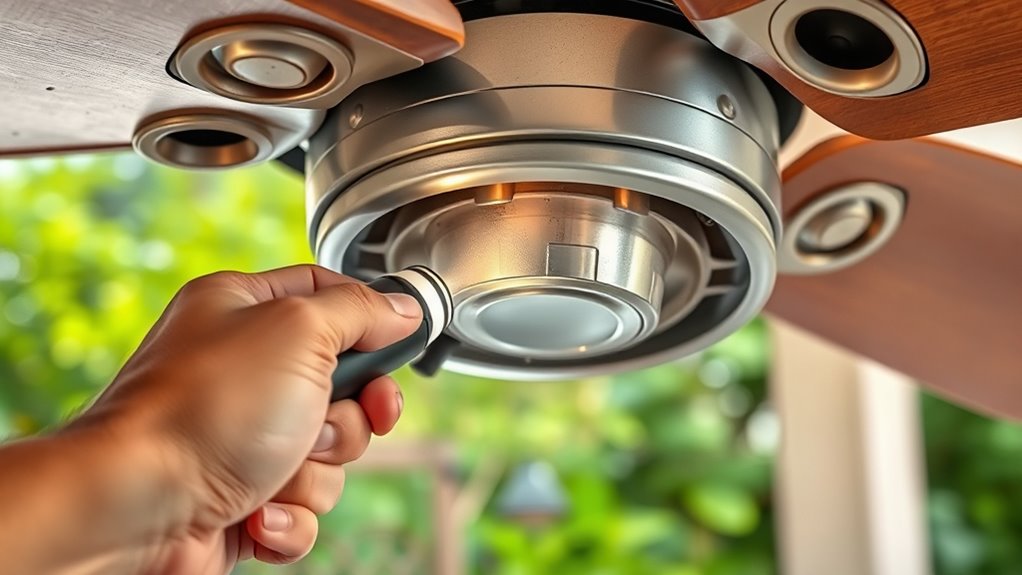
A misaligned fan motor can cause excessive vibrations, noisy operation, and uneven airflow. To fix this, you need to check the motor alignment and perform bearing adjustment if necessary. Start by:
- Turning off the fan and securing the motor in place.
- Inspecting the motor shaft and mounting bracket for any tilt or wobble.
- Using a level or straightedge to ensure the motor is perfectly aligned with the blades.
- Adjusting the motor mountings or brackets to straighten the motor, making sure it’s centered and level.
- For optimal performance, regularly check for wear and tear on the bearings and replace or tighten them as needed. Proper motor alignment reduces wobbling and prevents further damage. If the bearings are worn or loose, replace or tighten them to maintain smooth operation. Accurate bearing adjustment is essential for a steady, balanced outdoor fan.
Tighten Bolts, Screws, and Fasteners
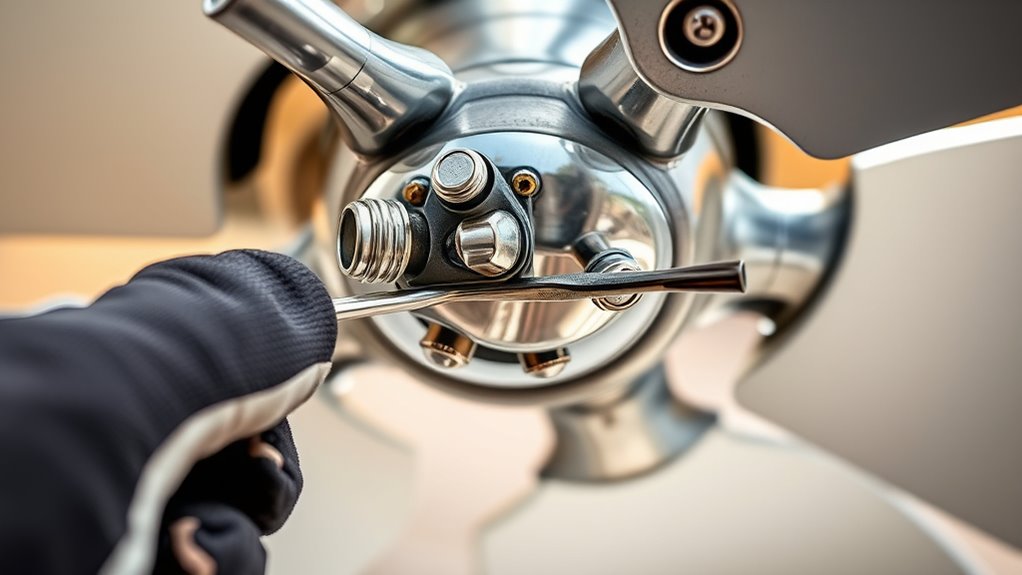
Over time, bolts, screws, and fasteners can loosen due to vibration and outdoor conditions, which may cause the fan to wobble or rattle. To fix this, start by inspecting all mounting points and blade attachments. Use a wrench or screwdriver to tighten any loose bolts and screws securely. Focus on bolt tightening around the fan’s base and blade brackets, ensuring they’re snug but not overtightened, which could cause damage. Also, check screws securing the fan blades and motor housing. Tightening these fasteners helps stabilize the entire unit and prevents wobbling. Regularly inspecting and securing these connections keeps the fan steady and functioning smoothly, saving you from potential damage or the need for more extensive repairs later. Additionally, understanding contrast ratio can help you assess the stability of the fan’s position in relation to environmental light conditions, ensuring optimal operation.
Test the Fan’s Rotation and Make Necessary Corrections
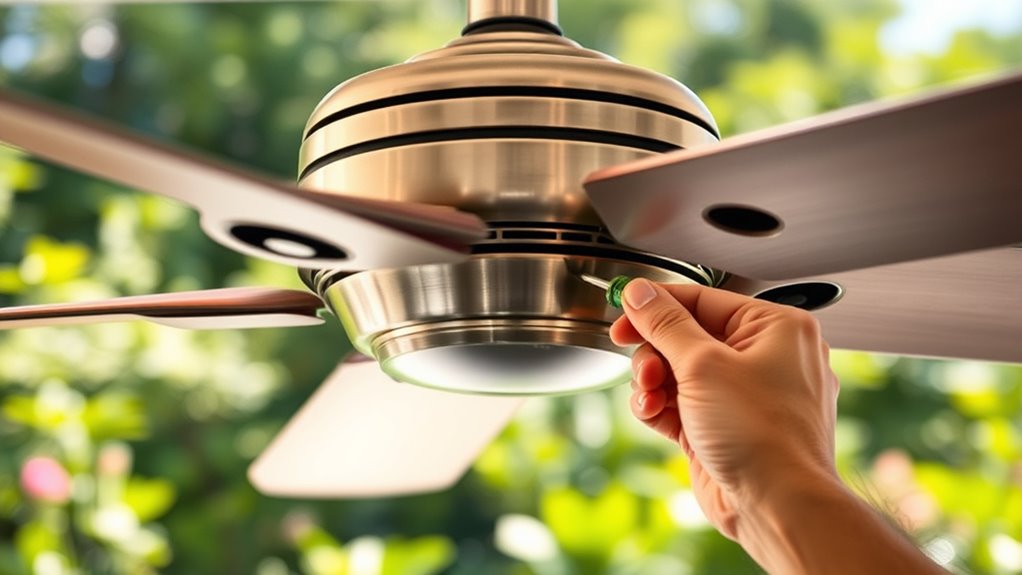
After tightening all bolts and screws, it’s time to check if the fan rotates smoothly. Turn on the fan and observe its fan rotation. If it wobbles or hesitates, you may need correction techniques. Here are steps to follow:
- Watch for uneven or jerky movement as the blades spin.
- Listen for unusual noises indicating imbalance.
- Check if the blades are hitting any obstructions.
- Adjust the blade angles or tighten blade screws if needed.
- Consider automation technologies that can help monitor and maintain fan balance over time.
If the fan still wobbles, you might need to rebalance the blades or tighten loose components. Proper correction techniques ensure smooth fan rotation and eliminate wobbling. Always test again after adjustments to confirm stability. This quick check helps keep your outdoor fan functioning properly.
Perform Regular Maintenance to Prevent Future Wobbling
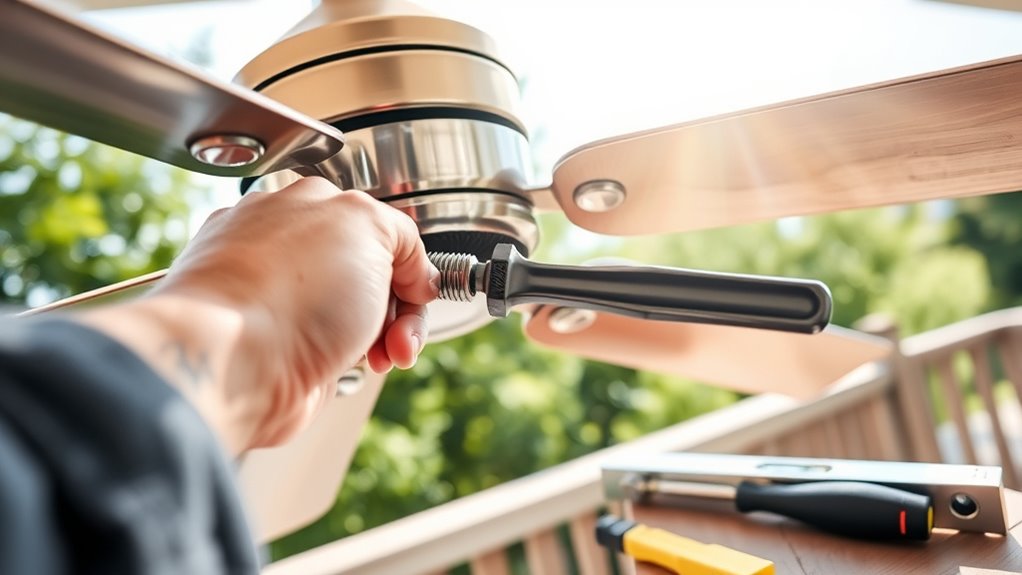
Regular maintenance is essential to keep your outdoor fan running smoothly and prevent wobbling issues from developing. Preventative maintenance involves performing seasonal checks to catch potential problems early. Inspect the fan blades regularly for dirt, debris, or damage, and clean them as needed to ensure balanced rotation. Tighten any loose bolts or screws that could cause instability. During seasonal checks, verify that the motor and mounting brackets are secure and free of corrosion. Lubricate moving parts if recommended by the manufacturer to reduce friction and wear. Additionally, maintaining proper ventilation can prevent overheating and prolong the lifespan of your fan. By establishing a routine schedule for these preventative measures, you minimize the risk of wobbling and extend your fan’s lifespan. Consistent maintenance keeps your outdoor fan operating quietly and efficiently, saving you time and money on costly repairs.
Frequently Asked Questions
How Often Should Outdoor Fan Blades Be Cleaned and Inspected?
You should clean and inspect your outdoor fan blades at least once every few months. Regular fan blade maintenance helps prevent dust buildup, which can cause wobbling and reduce airflow. During outdoor fan cleaning, check for dirt, debris, or damage on the blades and tighten any loose screws. Consistent inspection guarantees your fan operates smoothly and efficiently, keeping your outdoor space cool and comfortable.
What Tools Are Best for Balancing Outdoor Fan Blades?
Like a savvy hacker debugging code, you need the right tools for blade balancing during fan maintenance. Use a fan blade balancing kit, which includes a balancing clip and small weights, to identify and correct wobbling. A level can also help verify the fan is mounted correctly. These tools make balancing outdoor fan blades easier, reducing wobbling and prolonging your fan’s lifespan. Proper maintenance keeps it running smoothly, just like a well-oiled machine.
Can Weather Conditions Cause Outdoor Fans to Wobble More Frequently?
Weather impact and wind effects can definitely cause your outdoor fan to wobble more often. Strong gusts or frequent storms put extra strain on the blades and mounting, loosening parts or misaligning the blades. Over time, this leads to wobbling. To prevent this, secure the fan firmly, check for damage after storms, and consider installing wind shields. Regular maintenance helps keep wobbling to a minimum despite weather challenges.
How Can I Tell if the Mounting Bracket Is Broken or Just Loose?
Think of your outdoor fan’s mounting bracket as the backbone holding everything steady. To spot damage, do a loose mount inspection—gently shake the fan. If it wobbles or feels unstable, you might have mounting bracket damage. Look closely for cracks, bends, or missing screws. If it’s just loose, tightening the screws should do the trick. If damage persists, replacing the bracket is your best move.
What Signs Indicate a Motor Alignment Problem in Outdoor Fans?
If you notice your outdoor fan wobbling or making unusual vibrations, it could be a sign of motor misalignment. Check if the blades are centered and spin smoothly without wobbling. Unusual vibrations often indicate the motor isn’t aligned properly, causing imbalance. To fix this, turn off the fan, inspect the mounting and blades, and realign the motor or tighten loose parts. Proper alignment guarantees smooth operation and reduces vibrations.
Conclusion
By following these steps, you’ll keep your outdoor fan spinning smoothly—like a well-tuned orchestra. Regular inspections and timely fixes prevent wobbling from turning into chaos, ensuring your summer breeze stays steady and strong. Think of it as tending a garden: with care and attention, your outdoor fan will perform flawlessly, weathering every storm and breeze with grace. Keep it maintained, and it’ll serve you well, just like a trusted companion in the dance of the seasons.