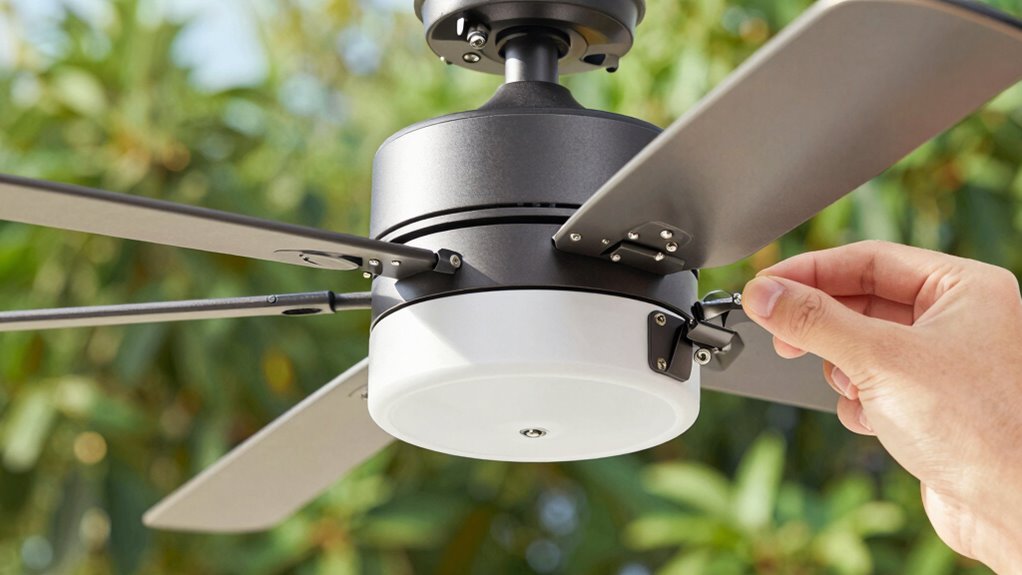

If your outdoor fan starts clicking, the first thing you should do is check and tighten the fan blades and their mounting hardware. Wobbling or loose blades often cause clicking sounds, so verify all screws or bolts securing the blades are snug but not over-tightened. After tightening the blades and hardware, test the fan again. For further tips on fixing the noise and making sure everything is secure, keep exploring these steps.
Key Takeaways
- Start by tightening any loose fan blades to eliminate wobbling and clicking caused by misalignment.
- Check and secure blade mounting hardware, including screws and bolts, to prevent rattling sounds.
- Inspect and tighten the motor mount screws or bolts to ensure the motor is stable and reduces clicking.
- Verify all other hardware components for looseness or corrosion, tightening as necessary.
- After tightening, test the fan and recheck for any persistent clicking or vibrations.
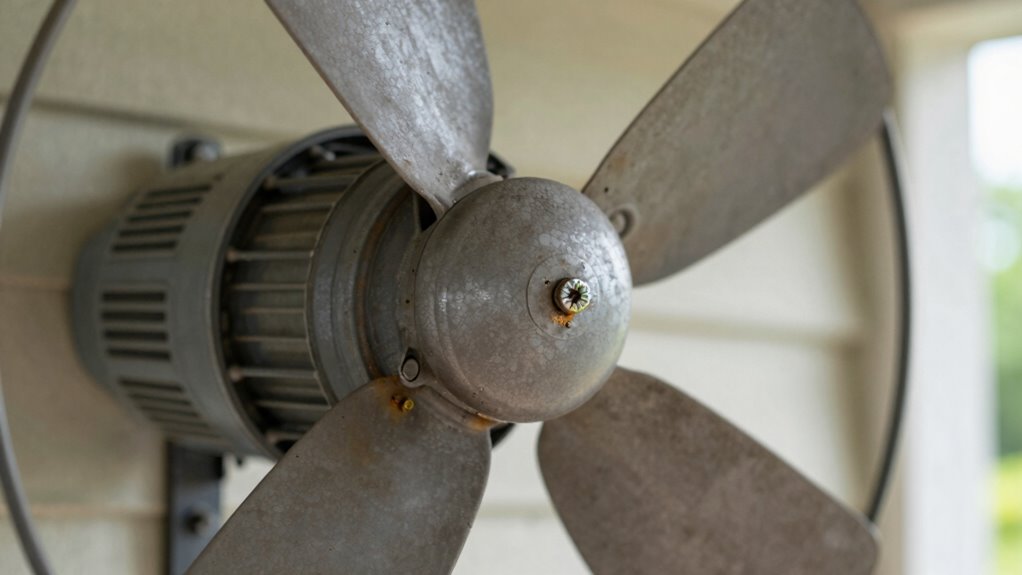
If your outdoor fan begins clicking unexpectedly, the first step is to check the fan blades and their mounting hardware. No matter how new or old your fan is, loose or misaligned blades often cause clicking sounds. Carefully inspect each fan blade, looking for any wobbling or looseness. If a blade feels loose, tightening the screw or bolt securing it to the motor mount can often resolve the noise. Be sure to examine the entire assembly for any bent or damaged blades, as these can also contribute to uneven movement and clicking. When tightening, do so gently but firmly, ensuring each blade is snug against its mount without over-tightening, which could cause damage.
Next, turn your attention to the motor mount itself. The motor mount holds the fan’s motor steady and in the correct position. Over time, vibrations from the fan operation can loosen the mounting screws or bolts, leading to unwanted movement and noise. Using a wrench or screwdriver, tighten the mounting hardware securely. Pay close attention to the bolts attaching the motor to the mounting bracket or ceiling. A loose motor mount can cause the entire fan to shift slightly during operation, resulting in clicking sounds as parts rub or vibrate against each other. Regular maintenance like checking for hardware corrosion can help prevent these issues. Additionally, inspecting the fan’s moving parts for wear and tear can identify other potential causes of noise before they become more serious. Ensuring all components are properly secured is essential for quiet, safe operation. Furthermore, proper alignment of components can help reduce vibrations that contribute to the clicking noise. Once you’ve tightened the fan blades and motor mount, turn on the fan to test if the clicking persists. If it does, double-check all screws, bolts, and mounting points for any missed or loose hardware. Sometimes, even small adjustments can make a significant difference. Keep in mind that other issues, like worn-out bearings or motor problems, might cause clicking too, but starting with these simple hardware checks is often enough to eliminate common noise sources.

PATIKIL 20Pcs Ceiling Fan Blade Screws, 1/4"-20 x 3/8 Carbon Steel Phillips Pan Motor Replacement Screw for Lighting Ceiling Fan, Copper
These industrial-grade ceiling fan blade screws are precision-engineered fasteners designed to eliminate blade wobble and motor vibration. Featuring…
As an affiliate, we earn on qualifying purchases.
As an affiliate, we earn on qualifying purchases.
Frequently Asked Questions
Can Worn-Out Fan Blades Cause Clicking Noises?
Yes, worn-out fan blades can cause clicking noises due to fan blade wobble. When blades are unbalanced or damaged, they create vibrations that lead to clicking sounds. To fix this, you should perform a blade balance adjustment and check for any signs of wear or looseness. Tightening blade screws or replacing damaged blades helps stabilize the fan, reducing wobble and eliminating clicking noises.
Is It Safe to Tighten Fan Parts Myself?
Tightening fan parts is like fixing a puzzle—you just need the right pieces! It’s generally safe to tighten a fan yourself if you follow proper DIY safety and use the correct tool selection. Always unplug the fan first, wear gloves, and work in a well-lit area. If you’re unsure, consult the manual or a professional. Taking these precautions keeps you safe while fixing your outdoor fan.
How Often Should Outdoor Fan Components Be Inspected?
You should inspect your outdoor fan regularly, ideally following a maintenance schedule of at least once a season. Inspection frequency depends on your climate and usage, but monthly checks during peak season are recommended. During inspections, look for loose parts, rust, and worn components. Tighten any loose screws or bolts promptly to prevent issues like clicking sounds. Consistent inspections help guarantee your fan runs smoothly and safely throughout the year.
What Tools Are Recommended for Tightening Outdoor Fan Parts?
Think of tightening your outdoor fan like tuning a musical instrument; each part must be just right. Use a socket wrench or adjustable wrench to tighten the mounting bracket and fan blade screws securely. Before tightening, make certain the fan blades are well-lubricated to prevent squeaks. These tools help you achieve a smooth, silent performance, preventing clicking sounds and extending your fan’s lifespan.
Could Electrical Issues Cause Clicking Sounds in the Fan?
Electrical issues can definitely cause clicking sounds in your outdoor fan. Loose electrical wiring or a circuit overload may create sparks or irregular power flow, leading to clicking noises. You should inspect the wiring connections and confirm they’re secure. Additionally, avoid overloading the circuit, as this can strain the fan’s motor and cause clicking. If you’re unsure or uncomfortable, it’s best to call a professional electrician to diagnose and fix the problem safely.

Ceiling Fan Flywheel Replacement for Homestead 6 blade fan.
Ceiling Fan Flywheel Replacement for Homestead 6 blade fan.
As an affiliate, we earn on qualifying purchases.
As an affiliate, we earn on qualifying purchases.
Conclusion
Think of your outdoor fan like a well-tuned orchestra. When it starts clicking, you’re the conductor, needing to identify the loose note first. Tightening the right screw or bolt restores harmony, preventing further discord. Just as a single misplayed instrument can throw off the entire symphony, a small loose part can cause noise and damage. Stay attentive, tighten wisely, and keep your outdoor fan singing smoothly in perfect tune.

AICWIOO 1 Pack Cast Aluminum Ceiling Fan Mounting Bracket, Sloped Ceiling Fan Mount for <10° Vaulted Canopy, Hanger Kit with 6 Mounting Screws, Fits 1" Downrods & 4" Boxes
[One-Stop Repair Kit: Wood & Concrete Ready] Each kit contains 1x Bracket, 1x Grounding Wire, 4x Wire Nuts,…
As an affiliate, we earn on qualifying purchases.
As an affiliate, we earn on qualifying purchases.

Romalon Heavy Duty FBP100 Fan Blade Puller, Solid Steel Blower Wheel Remover, Replaces 40852 TB041 TB042 AP3737541, Full Accessories Included with 1-Year Warranty
UPGRADED HEAVY-DUTY SOLID STEEL CONSTRUCTION Crafted with thickened solid steel for superior load-bearing capacity, far sturdier than thin…
As an affiliate, we earn on qualifying purchases.
As an affiliate, we earn on qualifying purchases.