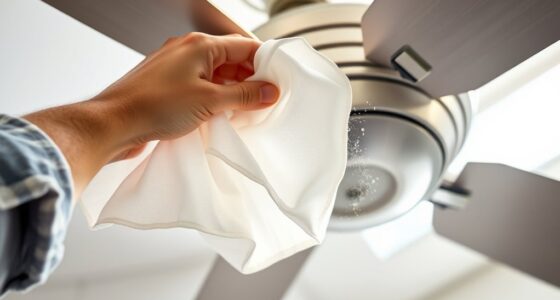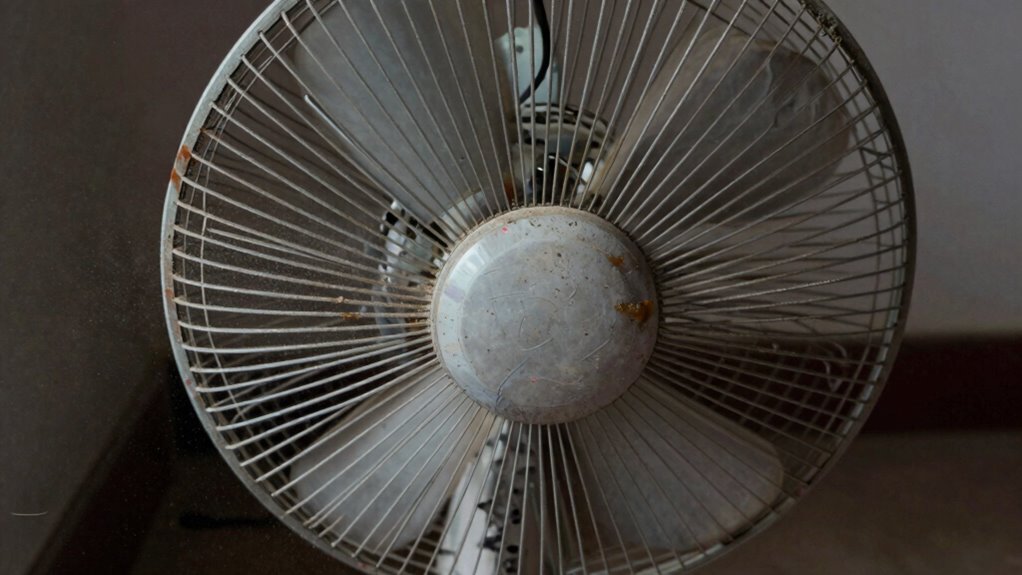

After months of no use, your fan might wobble due to blade misalignment, dust buildup, or worn motor parts. When unused, blades can shift or get slightly warped, causing imbalance. Dust can settle on blades and bearings, affecting smooth rotation. Loose screws or dry bearings may also contribute. Regular cleaning and checking blade tightness can often fix this. If you want to uncover more tips on fixing wobbling fans, keep exploring the details below.
Key Takeaways
- Fan blades may misalign or warp after prolonged inactivity, causing imbalance during operation.
- Dust buildup on blades and motor parts can interfere with smooth rotation, leading to wobbling.
- Loose or damaged blade screws can shift blades out of alignment once the fan is restarted.
- Motor bearings may dry out or become uneven, impairing smooth spinning and causing instability.
- Impacts or handling during storage can shift or damage blades, resulting in wobbling when turned on again.
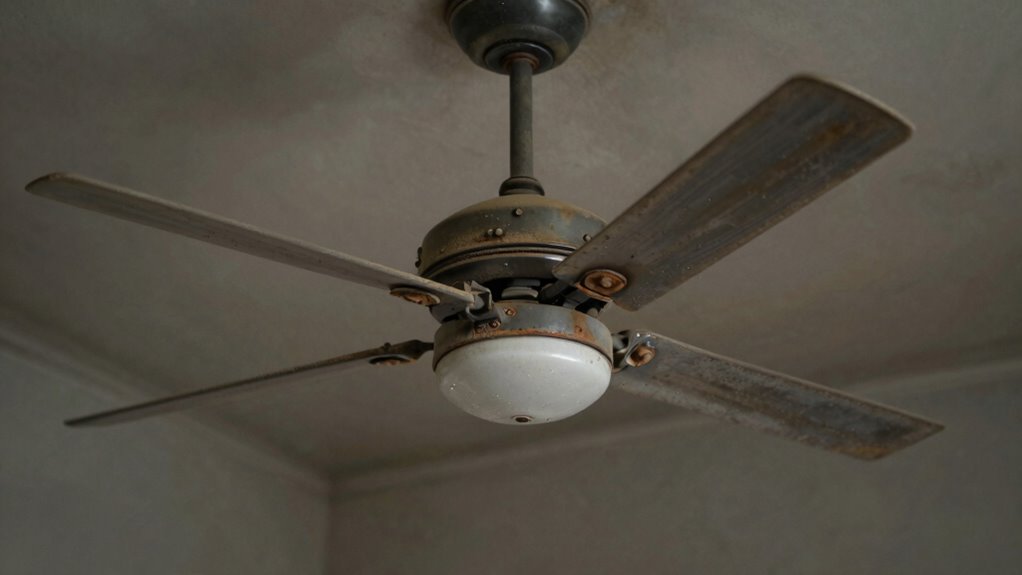
If you haven’t used your fan for a few months, you might notice it wobbling when you turn it on again. This isn’t unusual, and it usually points to a couple of common issues. One of the main reasons is fan blade alignment. Over time, especially when a fan sits unused, the blades can shift slightly out of their proper position. Dust buildup, minor impacts, or even slight warping of the blades can throw off the balance. When the blades aren’t perfectly aligned, the fan doesn’t spin smoothly, causing that wobbling motion. You can often fix this by inspecting the blades, ensuring they’re securely attached, and realigning them if needed. Sometimes, a gentle adjustment or tightening of the blade screws restores balance, making your fan run smoothly again. Additionally, prolonged inactivity can cause the motor bearings to dry out or become uneven, further contributing to wobbling. In some cases, dust accumulation can also interfere with the smooth rotation of the blades, leading to imbalance.

Sensible Products UP-1 Ultimate Fan Blade Blower Wheel Hub Puller, Heavy Duty Steel
4 pull rods provide balanced, even pressure during removal, helping keep hubs centered while reducing the risk of…
As an affiliate, we earn on qualifying purchases.
As an affiliate, we earn on qualifying purchases.
Frequently Asked Questions
Can External Impacts Cause Fan Wobbling After Long Periods of Inactivity?
Yes, external impacts can cause fan wobbling after long periods of inactivity. When a fan experiences a bump or jolt, it can lead to fan blade imbalance or motor misalignment. These issues disturb the fan’s smooth rotation, causing wobbling. Even if the fan hasn’t been used for months, such impacts can shift components out of place, making it essential to inspect and realign the blades or motor to restore stability.
Does the Type of Fan Affect Its Likelihood to Wobble After Disuse?
Yes, the type of fan influences how likely it is to wobble after disuse. For example, ceiling fans with complex blade arrangements are more prone to misalignment, especially if the fan blade alignment shifts over time. Standing fans with motor imbalance issues can also wobble, particularly if the motor components settle or become uneven during long periods of inactivity. Regular maintenance helps prevent these issues regardless of fan type.
How Does Humidity Influence Fan Stability Over Time?
Humidity can cause your fan to wobble over time by promoting dust accumulation and lubrication issues. Moisture encourages dust to settle on blades and internal parts, which disrupts smooth rotation. It also leads to lubrication breakdown in bearings, increasing friction. As a result, your fan becomes unstable and wobbly. Regular cleaning and lubrication can help prevent these issues, ensuring your fan stays steady and efficient, even after months of disuse.
Is It Necessary to Replace Fan Parts Regularly to Prevent Wobbling?
Think of your fan as a well-tuned orchestra. Regularly replacing parts like fan blades and motor components keeps everything harmonized. If you overlook this, misaligned blades cause wobbling, and motor wear leads to imbalance. Regular maintenance ensures the fan’s performance stays smooth and stable, preventing wobbling. So yes, replacing worn parts periodically is essential to keep your fan running quietly and efficiently, just like a concertmaster keeps the orchestra in tune.
Can Improper Storage Cause a Fan to Wobble When Used Again?
Yes, improper storage can cause a fan to wobble when you use it again. When stored improperly, fan blades can become misaligned, and the motor might develop an imbalance. These issues lead to wobbling during operation. To prevent this, store your fan in a dry, stable place, and check for any misalignment or imbalance before turning it on again. Proper storage helps maintain smooth, wobble-free performance.

PATIKIL 20Pcs Ceiling Fan Blade Screws, 1/4"-20 x 3/8 Carbon Steel Phillips Pan Motor Replacement Screw for Lighting Ceiling Fan, Copper
These industrial-grade ceiling fan blade screws are precision-engineered fasteners designed to eliminate blade wobble and motor vibration. Featuring…
As an affiliate, we earn on qualifying purchases.
As an affiliate, we earn on qualifying purchases.
Conclusion
Think of your fan as a dancer warming up after a long nap. When it’s been sitting idle, dust settles like a quiet audience, and the blades might stick slightly, causing wobbling when it starts to dance again. Just a gentle clean and a little balance can get your fan twirling smoothly, like a dancer back in rhythm. So, don’t let dust be the silent partner that keeps your fan from performing its best.

GENNEL 2grams Tube High Performance Spindle Lubricating Oil, Bearing Grease, Low/High Temperature Bicycle Grease for PC Bearing Fan Electric Motor Gear Keyboard Switch
High Performance Polyurea based lubricant grease. Excellent mechanical shear stability and oxidation stability. Low power loss, Compatible with…
As an affiliate, we earn on qualifying purchases.
As an affiliate, we earn on qualifying purchases.

XANGNIER Fan Cleaning Brush Tools Set,10 Pcs Fan Cleaner for Stand up Fan/Desk/Window Exhaust/Box/Oscillating/Standing/Floor/Clip on/Wall/Table/Wall Mount/Pedesta Fan,Bendable Cobweb Duster Remover
Fan Cleaning solution:Still worried about fan cleaning? Try our fan cleaning brush kit! Flat brushes and sponges allow…
As an affiliate, we earn on qualifying purchases.
As an affiliate, we earn on qualifying purchases.