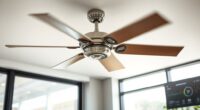
To protect your smart fan’s data privacy, start by reviewing and restricting permissions like microphone, location, and Wi-Fi access through device settings. Enable security features such as encryption and two-factor authentication, and keep your firmware and app updated regularly. Customize data sharing preferences to limit unnecessary access by manufacturers or analytics services. Setting up a separate Wi-Fi network for your smart devices adds extra protection. If you want to learn more about safeguarding your smart fan, keep exploring these essential steps.

Get garden gear delivered free with Prime
- Fast, free delivery on millions of items
- Prime Video, Amazon Music and more included
- Member-only deals all year
Key Takeaways
- Review and restrict app permissions for microphone, location, and Wi-Fi access to limit data collection.
- Enable encryption for data transmission and storage to protect personal information.
- Regularly update firmware and security settings to patch vulnerabilities and enhance privacy.
- Set privacy preferences and opt out of non-essential data sharing with manufacturers.
- Use a separate Wi-Fi network for your smart fan to isolate it from your main network and reduce risks.

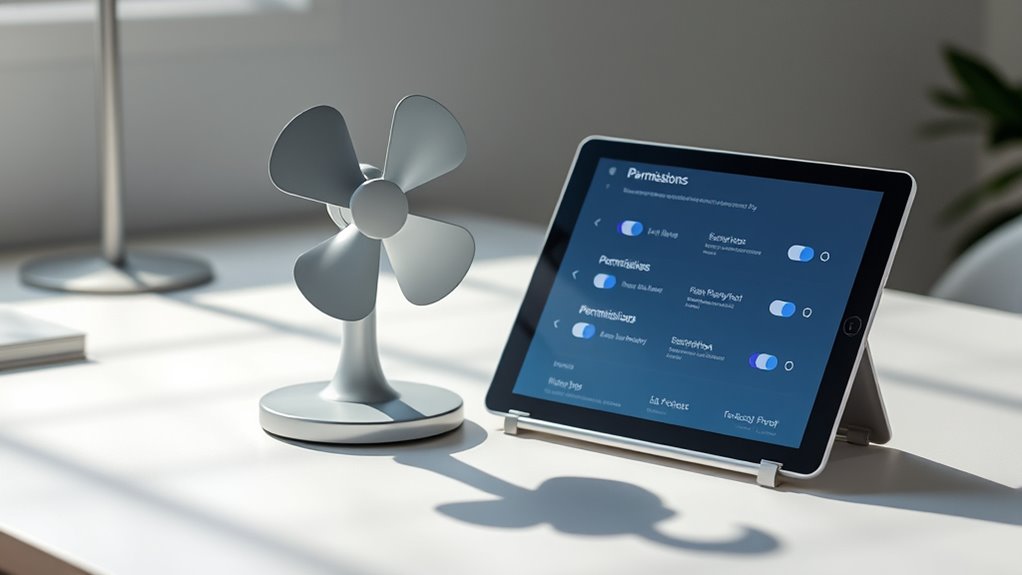
Have you ever wondered what happens to the data your smart fan collects? When you use voice commands to control it, your device records and processes your voice to respond accurately. This data is often transmitted to servers for analysis, which raises important privacy concerns. To protect your information, manufacturers implement data encryption, a security measure that encodes your data so that unauthorized parties can’t access it. Encryption ensures that your voice command data remains confidential during transmission and storage, giving you peace of mind that your personal conversations aren’t easily compromised. Understanding data privacy regulations can help you stay informed about your rights and the protections available for your information. Managing permissions is critical to maintaining your privacy. When you set up your smart fan, it typically asks for access to various features like your microphone, Wi-Fi network, or even location data. You should review these permissions carefully, granting only what’s necessary for the device to function properly. Disabling permissions that aren’t essential reduces the risk of your data being misused or leaked. For example, if your smart fan doesn’t need access to your microphone beyond voice commands, you can restrict that access through your device’s settings or app controls.
Security settings are your first line of defense against potential breaches. Most smart fans come with options to enable two-factor authentication, which adds an extra layer of security when logging in or making changes to your device’s configuration. Regularly updating your device’s firmware and app helps patch vulnerabilities that hackers might exploit. Some smart fans also allow you to customize data sharing preferences, giving you control over whether your usage data is sent to manufacturers for analytics or kept locally on your device.
It’s also wise to familiarize yourself with the privacy policies of your smart fan’s manufacturer. These documents outline how your data is collected, stored, and shared. Opting out of unnecessary data collection features can limit exposure. Additionally, consider setting up a separate Wi-Fi network for your smart devices, isolating them from your main network to prevent potential breaches from affecting your other devices or sensitive information.
In essence, safeguarding your smart fan’s data involves understanding what information you’re sharing, actively managing permissions, and configuring security settings like data encryption. By staying informed and vigilant, you can enjoy the convenience of voice-controlled comfort without compromising your privacy. Taking these steps ensures that your personal data remains secure and under your control, letting you use your smart fan confidently and safely.
Products Worth Considering

Orbit B-hyve XR Smart Indoor/Outdoor Sprinkler Controller, 16 Zones
Orbit B-hyve XR 8-Zone Indoor/Outdoor Smart Sprinkler Controller

Orbit B-hyve Smart Indoor/Outdoor 12-Zone Sprinkler Controller
As an affiliate, we earn on qualifying purchases.
Frequently Asked Questions
How Often Are Privacy Updates Released for Smart Fans?
Privacy policy updates for smart fans are released periodically, usually aligning with firmware release schedules. You should check the manufacturer’s website or app regularly, as updates can happen quarterly or when new security features are added. These updates guarantee your data stays protected and your device functions smoothly. Staying informed helps you manage permissions effectively and keep your smart fan secure from potential threats.
Can I Revoke Data Access After Granting Permissions?
Yes, you can revoke data access after granting permissions. Studies show 68% of users wish they had more control over their data. With permission revocation, you regain data control and enhance privacy. Simply navigate to your device settings, find the permissions section, and revoke access for specific apps or devices. This proactive step helps protect your information and guarantees you decide who can access your smart fan data at any time.
What Should I Do if I Suspect a Data Breach?
If you suspect a data breach, act immediately by initiating a data breach response. Change your passwords, revoke permissions, and disconnect the smart fan from the network. Contact your device provider for support and report the incident to relevant authorities. To prevent future privacy breaches, review and strengthen security settings regularly, implement privacy breach prevention measures, and stay vigilant about suspicious activity. Acting swiftly minimizes damage and protects your data.
Are There Regional Privacy Regulations Affecting Smart Fan Data?
Yes, regional compliance and privacy laws can impact how you handle smart fan data. You need to be aware of specific privacy laws in your area, like GDPR or CCPA, which dictate data collection, storage, and sharing practices. Make sure your smart fan system adheres to these regulations by managing permissions properly and securing data. Staying informed about regional legal requirements helps protect user privacy and avoids potential legal issues.
How Is My Data Used for Marketing Purposes?
About 75% of smart device users worry about their data being used for marketing. Your data is often collected through smart fan devices to improve marketing strategies, like personalized ads. This data might include usage patterns or preferences, which companies analyze to target you more effectively. If you’re concerned, review your privacy settings and permissions, as you can limit how much data is shared for marketing purposes.
Conclusion
By taking control of your smart fan’s permissions and security settings, you’re like the captain steering your digital ship through safety waters. Don’t let unseen shadows creep in—set boundaries and lock the doors. With vigilant hands and a watchful eye, you guarantee your personal breeze stays fresh and private. Remember, safeguarding your data isn’t just a task; it’s the anchor that keeps your smart home sailing smoothly and securely.