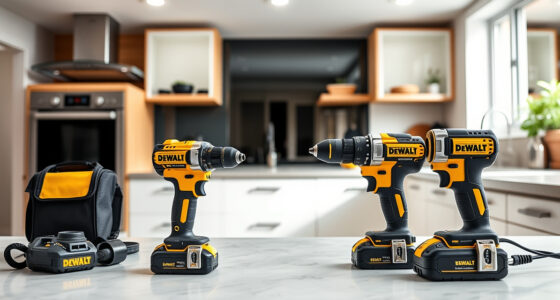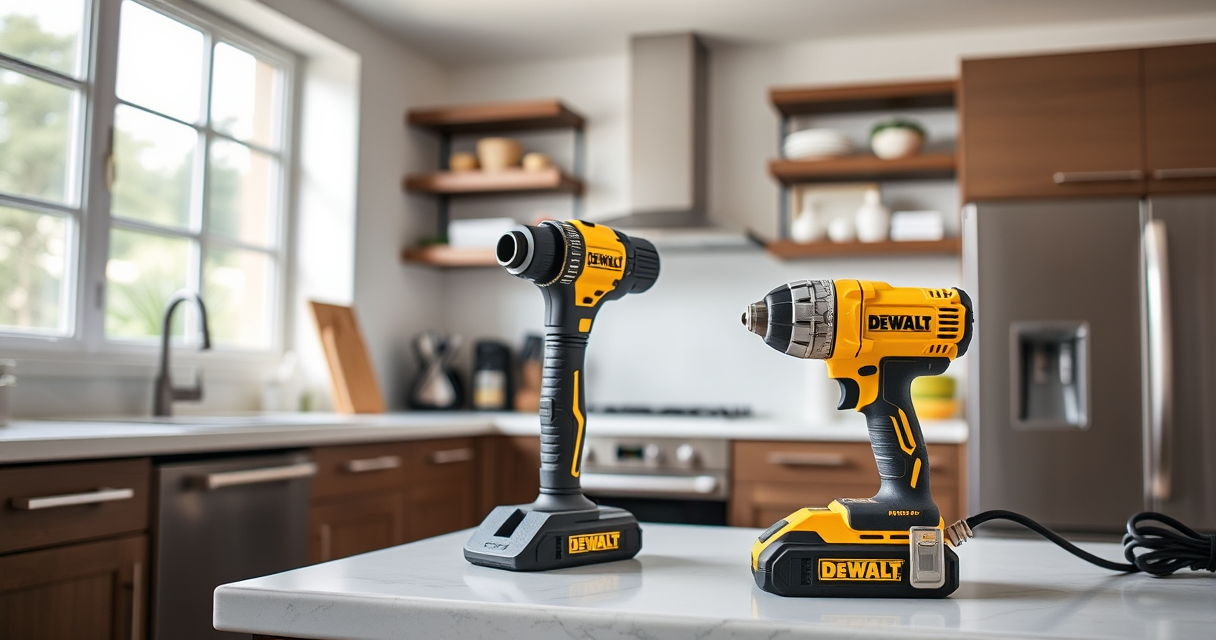
If your DeWALT 20V MAX battery isn’t charging, it can be frustrating and hinder your projects. This guide helps you identify common causes and provides safe, practical fixes to get your tools back in action quickly.

Get garden gear delivered free with Prime
- Fast, free delivery on millions of items
- Prime Video, Amazon Music and more included
- Member-only deals all year
Follow these step-by-step instructions to troubleshoot charging issues, and learn helpful tips to maintain your batteries and charger for long-term reliability.
Key Takeaways
| Battery Age | Older batteries may lose capacity and refuse to charge. |
| Charger Compatibility | Ensure your charger is compatible and functioning properly. |
| Connection Check | Loose or dirty contacts can prevent charging. |
| Temperature Conditions | Extreme cold or heat can affect charging performance. |
| Battery Health | Battery cycles and damage reduce charging ability. |
Step 1: Inspect the Battery and Charger
- Remove the battery from the tool and examine for any visible damage such as cracks, corrosion, or swelling.
- Inspect the charger’s power cord, plug, and contact points for dirt, debris, or damage.
- Ensure the charger is plugged into a working outlet and the indicator lights turn on when connected.
Step 2: Clean the Contacts
Dirty or oxidized contacts can prevent proper charging. Use a dry cloth or a soft-bristled brush to gently clean the metal contacts on both the battery and charger.
Make sure the contacts are dry before reconnecting.
Step 3: Check Battery and Charger Compatibility
Verify that the battery model (e.g., 20V MAX 5Ah or 2.0 Ah) matches your charger specifications. Using incompatible chargers may prevent charging or damage the battery.
Step 4: Test with a Known Good Battery or Charger
If available, test your charger with another compatible battery or vice versa. This helps identify whether the issue lies with the battery or the charger.
Step 5: Address Temperature and Age Factors
- Ensure both the battery and charger are at room temperature. Avoid charging in extreme cold or heat.
- If the battery is several years old or has gone through many cycles, consider replacing it for reliable charging.
The Products in This Guide

DEWALT 20V MAX Cordless Drill Driver Set
- ✔ Weight: 3.4 lbs
- ✔ LED Light: Yes
- ✔ Warranty: 3 years

DEWALT Drill Bit Set
- ✔ Size Range: Multiple
- ✔ Split Point: Yes
- ✔ Durability: High
DEWALT 20V MAX Cordless Drill Driver Set
The DEWALT 20V MAX Cordless Drill Driver Set combines power and portability, making it ideal for various tasks. Its brushless motor delivers more run time, and the lightweight design allows for easy handling in tight spaces.
Pros:
- Brushless motor for longer runtime
- Lightweight and compact design
- Ergonomic grip for comfort
- LED light for visibility
Cons:
- Battery life may vary with usage
- Limited to 2-speed options
- Charger not included in all sets
Best for: Home improvement, DIY projects, and light to medium professional tasks
Not ideal for: Heavy-duty industrial work or extended use without extra batteries
Bottom line: A dependable, versatile drill suitable for a wide range of applications.
DEWALT Drill Bit Set
This DEWALT 14-piece drill bit set features durable High Speed Steel bits with a 135-degree split point tip, ideal for plastic, wood, and metal. It complements your cordless drill for various projects.
Pros:
- Durable High Speed Steel
- Split point reduces walking
- Corrosion-resistant coating
- Includes multiple sizes
Cons:
- Bits may wear with heavy use
- Not suitable for heavy-duty industrial tasks
- Limited to hand tools
Best for: General-purpose drilling in DIY and professional settings
Not ideal for: Heavy industrial drilling or large-scale manufacturing
Bottom line: A reliable drill bit set for various materials and applications.
Frequently Asked Questions
Why won’t my DeWALT battery charge?
Possible causes include dirty contacts, incompatible charger, battery age, or extreme temperatures. Follow the troubleshooting steps outlined to identify and fix the issue.
How do I clean battery contacts?
Use a dry cloth or a soft-bristled brush to gently remove dirt or oxidation from the contacts. Ensure contacts are dry before reattaching.
Can I use any charger with my DeWALT battery?
Only use chargers specifically designed for your battery model and system (e.g., 20V MAX). Using incompatible chargers can prevent charging or damage the battery.
How do I know if my battery is still good?
If your battery no longer holds a charge or the charger indicates a fault, it may be time to replace it. Testing with a known good battery can help diagnose the issue.
Keeping Your DeWALT Battery Charging Smoothly
Regular maintenance, proper storage, and using compatible chargers will help prolong your battery’s lifespan and ensure it charges reliably. If issues persist, replacing an aging battery or charger may be the best solution to maintain productivity and safety.
Affiliate disclosure: As an Amazon Associate we earn from qualifying purchases. Prices and availability are accurate as of the time of publishing.
Fall yard work Picks
leaf blowers
As an affiliate, we earn on qualifying purchases.